The Life-Changing Benefits of Using an Ergonomic Computer Mouse
*Purchases made through our links may earn us a commission. Please view our disclosure to learn more.
Introduction to the Ergonomic Computer Mouse
Have you ever finished a long workday feeling like your wrist was on fire? I certainly have. For years, I hammered away at my keyboard and aggressively clicked my standard, flat plastic mouse until my hand felt like a petrified claw. I ignored the twinges of pain and the strange numbness in my fingers, assuming it was just the unavoidable cost of doing business in the digital age. But let me tell you a secret: it absolutely does not have to be this way! As a dedicated home office ergonomics enthusiast and advisor, I’m here to share a revelation with you. The simple investment you can make for your physical health and your career longevity sits right under your right (or left!) palm. Welcome to the life-changing, comfort-driven world of the ergonomic computer mouse.
What Exactly is an Ergonomic Computer Mouse?
Before we dive into the deep end of the benefits pool, we need to understand exactly what we’re talking about. An ergonomic mouse isn’t just a regular mouse that went through a weird, futuristic redesign phase. It is a precision-engineered tool meticulously designed to fit the natural contours of the human hand. Think of it this way: using a standard, flat mouse for eight hours a day is like wearing high heels to run a marathon. An ergonomic mouse is that perfectly fitted pair of orthopedic running shoes—built specifically for the journey.
Let’s get a little scientific, but keep it simple. When you place your hand flat on a desk to hold a traditional mouse, your forearm bones (the radius and ulna) physically cross over each other. This position is called “”pronation.”” Staying in pronation for hours on end creates a constant, low-level muscular tension. Ergonomic mice are designed to reduce or completely eliminate this pronation, keeping your arm in a neutral, relaxed state.
Vertical vs. Trackball vs. Contoured Mice
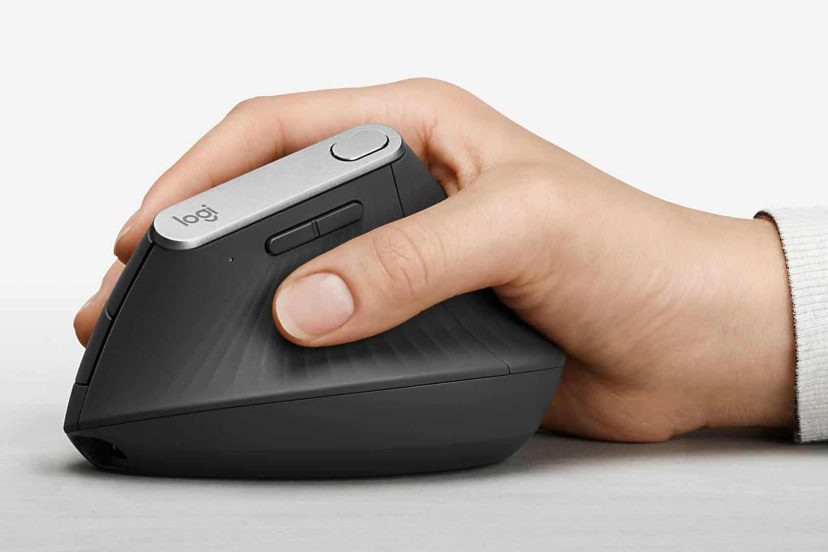
Not all ergonomic mice look the same. You have vertical mice, which literally stand up on their side, forcing you to hold them in a natural “handshake” position. Then there are trackball mice, where the mouse stays completely stationary and you use your thumb or fingers to roll a ball, saving your wrist from moving entirely. Finally, there are contoured mice, which look somewhat traditional but feature aggressive thumb rests and elevated arches to perfectly support the resting weight of your palm.
The Top 3 Pros of Making the Switch
If you are on the fence about upgrading your workstation, let’s cut right to the chase. Here are the top three undeniable benefits of bringing an ergonomic mouse into your life:
- Pro 1: Drastically reduces the strain on your median nerve and tendons, virtually eliminating daily wrist and forearm pain.
- Pro 2: Encourages a natural “handshake” arm position, which organically improves your overall posture all the way up to your neck and shoulders.
- Pro 3: Significantly boosts your long-term productivity and focus by removing the constant, distracting background noise of physical discomfort.
The Dark Side: 3 Cons of Sticking to a Traditional Mouse
Conversely, choosing to ignore the ergonomics of your workstation comes with serious risks. If you decide not to make the switch, you are leaving yourself open to a host of problems:
- Con 1: You face an exponentially higher risk of developing debilitating, irreversible conditions like Carpal Tunnel Syndrome.
- Con 2: You will likely experience daily muscle fatigue and localized pain that drains your energy and saps your motivation long before the workday actually ends.
- Con 3: You risk incurring expensive long-term medical costs, physiotherapy bills, and forced time off work to recover from severe repetitive strain injuries.
Deep Dive: Health Benefits You Can’t Ignore
We’ve covered the basics, but let’s dig into the real meat of the matter: your health. Your body is a complex machine, and it wasn’t designed to make tiny, repetitive movements over a flat piece of plastic for a third of your life.
Kiss Carpal Tunnel Syndrome Goodbye
Carpal Tunnel Syndrome (CTS) is the ultimate boogeyman of office workers, and for good reason. It causes severe numbness, tingling, and weakness in your hand. An ergonomic mouse is your first line of defense against this nightmare. By repositioning your hand, an ergonomic mouse prevents you from resting the delicate underside of your wrist directly on the hard surface of your desk.
Imagine your wrist is a busy highway tunnel, and the median nerve is the most important road running right through the middle of it. When you use a flat mouse, you are essentially collapsing the roof of that tunnel. The pressure pinches the median nerve, disrupting the signals between your brain and your fingers. By tilting the hand upward with a vertical or contoured mouse, you instantly open that tunnel back up, allowing the nerve to function freely and safely.
Banish Repetitive Strain Injuries (RSI)
RSIs are caused by exactly what they sound like: repeating the same minor physical strain until the tissue fails. Every time you flick your wrist to move a standard mouse, you are causing microscopic tears in your tendons. Over time, these micro-traumas compound into major inflammation. Because an ergonomic mouse relies more on the larger, stronger muscles of your forearm and shoulder to control movement, it spares your delicate wrist tendons from doing all the heavy lifting.
Improving Overall Posture from Hand to Shoulder
It’s all connected! Have you ever noticed that when your hand is flat and tense, your shoulder naturally rolls forward? This causes your neck to crane toward the screen, leading to tension headaches and upper back pain. When you switch to a natural handshake grip on an ergonomic mouse, your shoulder naturally pulls back into its proper socket. It’s amazing how fixing your hand posture instantly triggers a domino effect of better posture all the way up your spine.
Top 8 Best
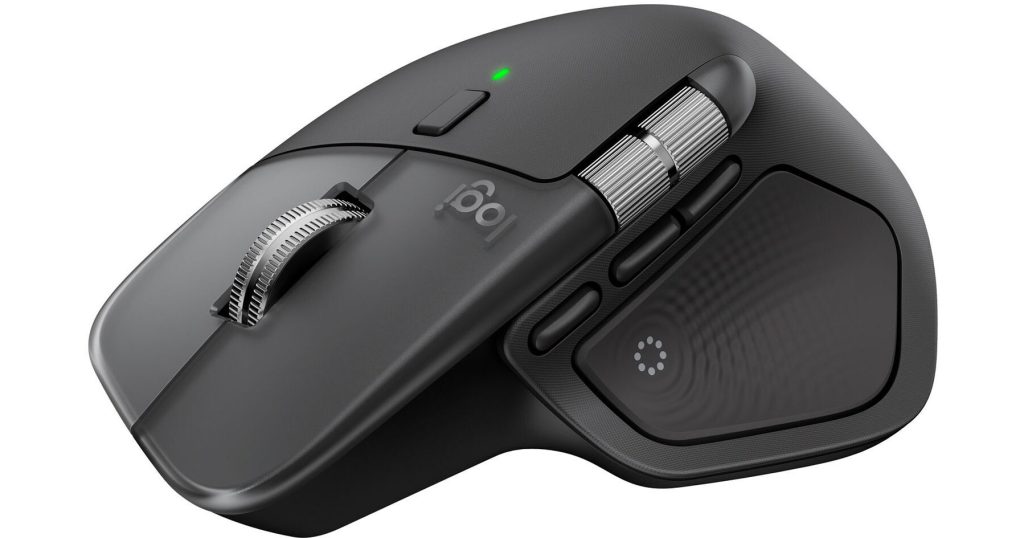
Logitech MX Master 4 Wireless Mouse
A premium ergonomic mouse with advanced features like customizable buttons, high-precision tracking, a thumb wheel, and haptic feedback. Its sculpted shape supports your hand comfortably during long workdays, and it’s ideal for multitaskers and creative professionals who want both comfort and high performance.
Logitech Ergo M575S Wireless Trackball Mouse
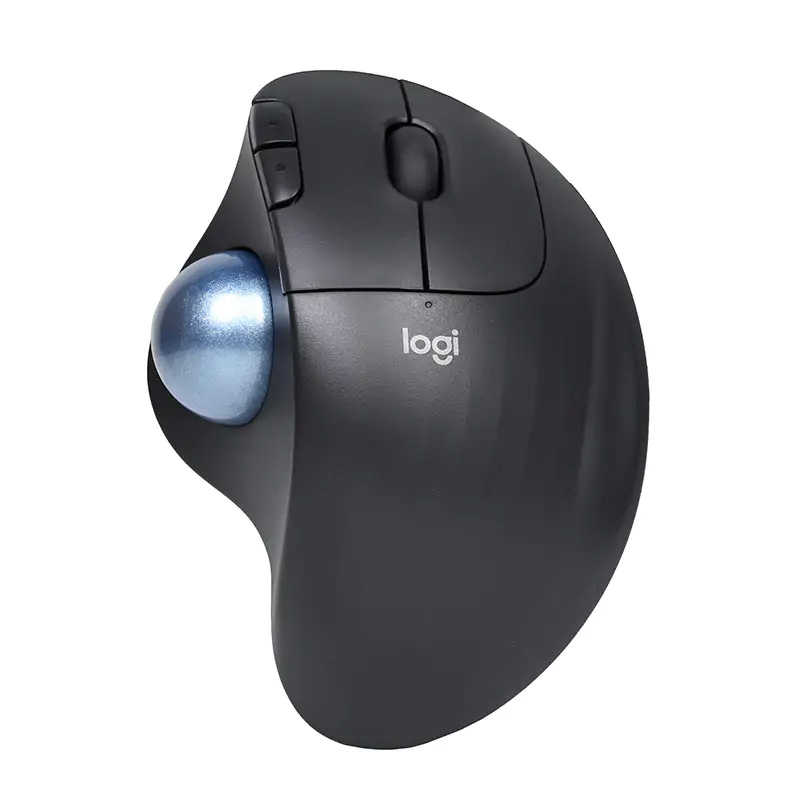
This trackball-style ergonomic mouse keeps your hand in a relaxed posture while a stationary ball lets you scroll without moving your arm. It’s great for small desks or tight spaces and excels at reducing forearm strain.
JLab JBuds Ergonomic Wireless Vertical Mouse
A budget-friendly vertical ergonomic mouse with a comfortable shape suited for everyday use. Many users find it helps ease wrist strain compared to traditional mice, a nice entry-level choice for remote workers.
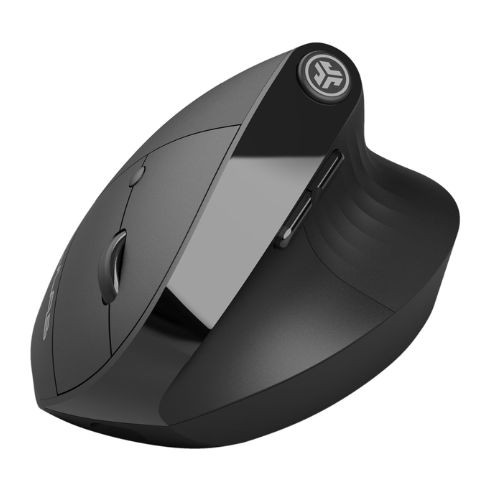
SEENDA MOU‑302 Vertical Wireless Mouse
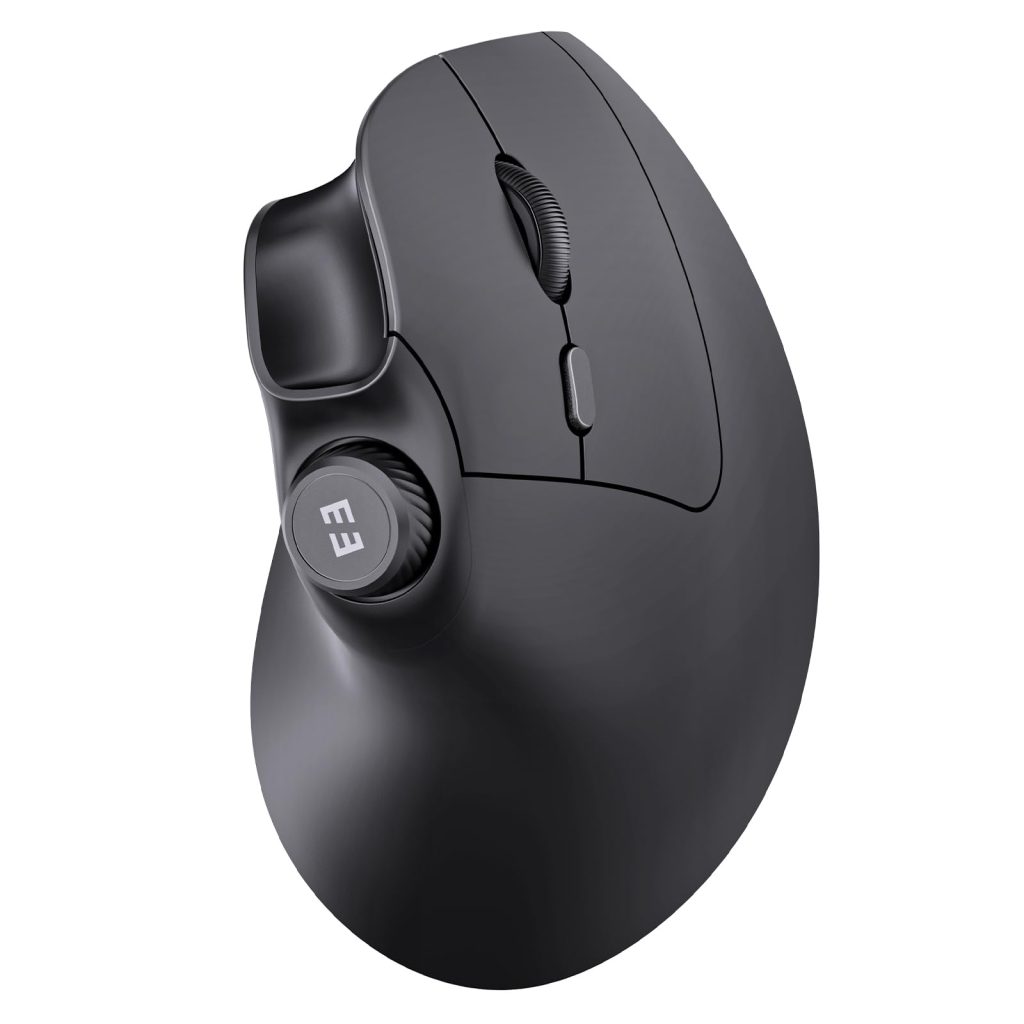
A highly rated ergonomic mouse with a rechargeable battery and dual Bluetooth + USB connectivity. Its vertical design supports healthier hand posture, and the silent click design makes it comfortable for quiet work environments.
EM11 NL Bluetooth Ergonomic Vertical Mouse
An affordable ergonomic vertical mouse with excellent user ratings, offering a natural handshake grip and reliable Bluetooth connectivity. Great for anyone looking to reduce wrist strain on a budget.
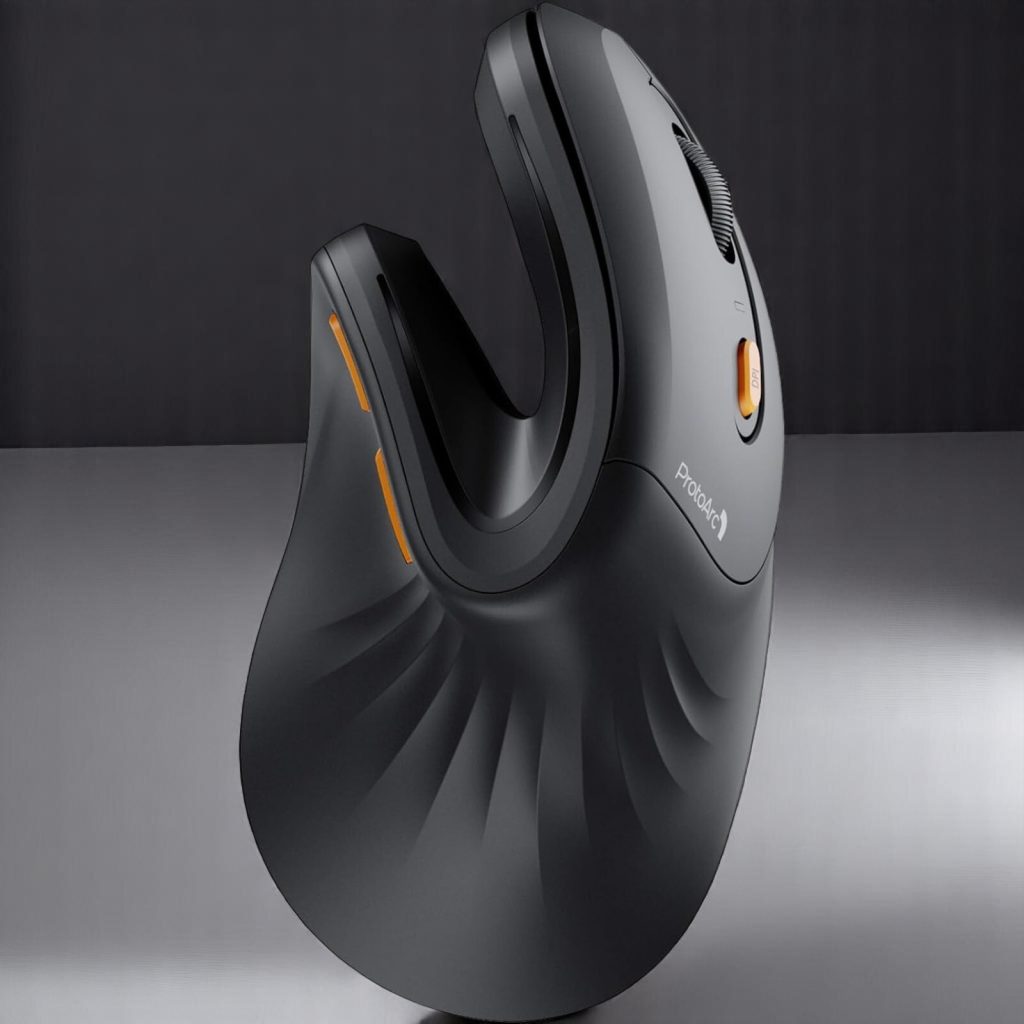
Tecknet Ergonomic Wireless Vertical Mouse
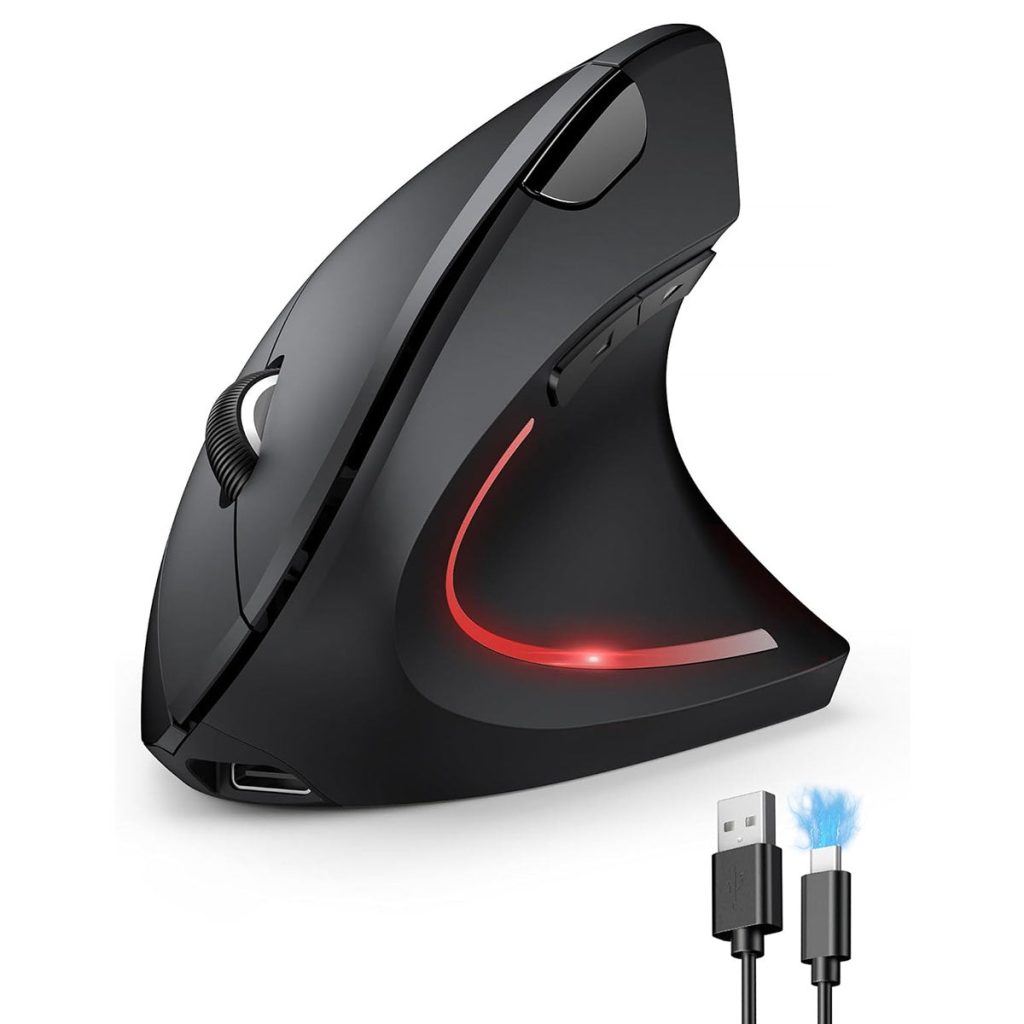
A simple and highly rated ergonomic vertical mouse with adjustable DPI levels for smoother tracking. Its contoured shape promotes a neutral wrist position and is a solid value choice.
Keychron M5 Wireless Ergonomic Mouse
A newer ergonomic vertical mouse with multiple connectivity options (Bluetooth, 2.4 GHz, USB-C) and high-precision tracking. It’s a great combination of productivity features and ergonomic design for everyday use.
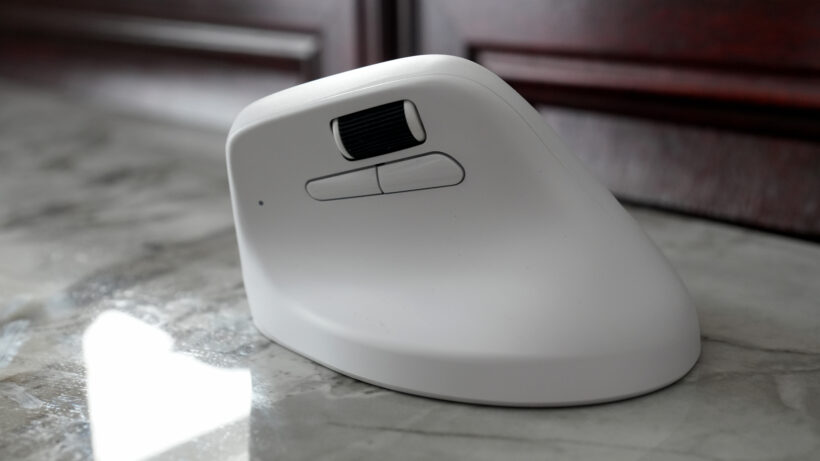
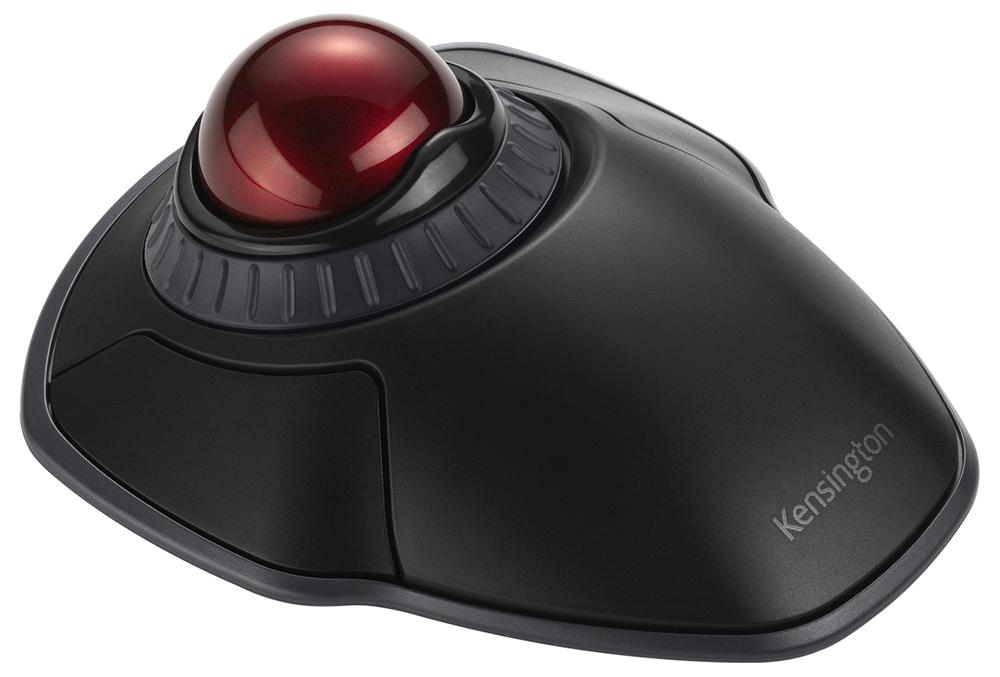
Kensington Orbit Wireless Trackball with Scroll Ring
My personal favorite, and ambidextrous friendly! This trackball includes dual Bluetooth and encryption security features. Also includes four cursor speeds as well as being adaptable to both right and left handed users.
Highly recommended!
Boosting Your Daily Productivity
Health is wealth, but let’s be honest—we also want to get our work done efficiently. You might think a weirdly shaped mouse will slow you down, but the exact opposite is true in the long run
Pain is incredibly distracting. When your wrist is throbbing, your brain is quietly allocating processing power to deal with that pain, taking away from your focus on that spreadsheet, coding project, or report. When you are physically comfortable, you achieve a “flow state” much faster. You aren’t constantly shaking out your hand or adjusting your seat. You are just effortlessly working.
We all have those marathon days where 5:00 PM comes and goes, and we are still at the desk. A standard mouse will leave your arm feeling like lead by mid-afternoon. An ergonomic mouse gives you physical endurance. Because it utilizes larger muscle groups and reduces nerve pinching, you can comfortably work for longer stretches without experiencing the dreaded 3:00 PM physical crash.
How to Choose the Right Ergonomic Mouse for You
So, you are convinced! You want to buy one. But if you search for an ergonomic mouse online, you’ll be bombarded with thousands of options. How do you choose?
Hand Size and Grip Style Matter
One size absolutely does not fit all in ergonomics. If you have large hands, a small contoured mouse will cause your fingers to cramp. If you have small hands, a massive vertical mouse will force you to overstretch to reach the scroll wheel. Always check the sizing guides from manufacturers.
How do you hold your mouse? Do you rest your entire palm heavily on the back of it (Palm Grip), or do you arch your fingers and grip it with just your fingertips (Claw Grip)? Trackballs and heavily contoured mice are amazing for palm grippers who want full support. Vertical mice often work well for a hybrid grip, offering a resting place for the thumb while keeping the fingers active.
Wired vs. Wireless Options
This comes down to your personal desk setup. A wireless ergonomic mouse offers a cleaner aesthetic and prevents the annoying “cable drag” that can subconsciously tense up your arm. However, if you hate dealing with batteries or charging cables, a wired version ensures you never lose connection during a crucial click.
Transitioning: What to Expect When You Switch
Let’s set some realistic expectations. When you unbox your new ergonomic mouse and plug it in, you are going to feel like you are learning to use a computer for the very first time.
Your brain has spent years building deep muscle memory for a flat mouse. Suddenly changing the angle of your hand breaks that programming. For the first three to five days, your cursor accuracy will drop. You might mis- click a few icons. Don’t panic, and please, don’t throw the mouse in a drawer! This learning curve is entirely normal. Force yourself to use it for a full week. By day seven, your brain will have rewired itself, and you will wonder how you ever survived without it.
Conclusion: Investing in Your Body and Career
At the end of the day, your body is your most valuable asset. We spend thousands of dollars on high-resolution monitors, blazing-fast laptops, and premium software, yet we stubbornly pinch pennies when it comes to the literal physical interface we use to interact with our technology. Upgrading to an ergonomic computer mouse isn’t a luxury; it is a vital, proactive step in protecting your health, preserving your comfort, and maximizing your productivity. Stop tolerating the pain, embrace the learning curve, and make the switch today. Your wrist will thank you tomorrow, and for decades to come.
Frequently Asked Questions (FAQs)
- How long does it typically take to get used to an ergonomic mouse?
For most people, the physical transition and muscle memory reprogramming take about one to two weeks of consistent, daily use. Start slow, and don’t switch back to your old mouse during this period! - Can an ergonomic mouse cure my existing Carpal Tunnel Syndrome?
While an ergonomic mouse is fantastic for preventing strain and can significantly reduce the pain of mild, existing flare-ups, it is not a medical cure. If you have severe, diagnosed Carpal Tunnel Syndrome, you should consult a doctor or physical therapist alongside upgrading your workstation. - Are ergonomic mice good for PC gaming?
It depends on the game! For strategy, simulation, or casual games, they are wonderful. However, for highly competitive, fast-twitch shooters (like CS:GO or Valorant), the heavier weight and altered sensor angles of vertical mice can slightly reduce micro-precision. Many people keep a standard gaming mouse for play, and an ergonomic mouse for work. - Why are vertical mice shaped so weirdly?
They are designed to mimic a natural “”handshake”” position. If you stand up and let your arms hang loosely at your sides, your palms naturally face your body, not the floor. Vertical mice allow you to maintain this natural skeletal alignment while working at a desk. - Do I still need an ergonomic keyboard if I already have an ergonomic mouse?
Ideally, yes! An ergonomic mouse fixes the pronation and strain in your mousing arm, but a standard, flat keyboard still forces both of your wrists to bend outward unnaturally. A split or curved ergonomic keyboard completes the setup, ensuring total upper-body alignment.