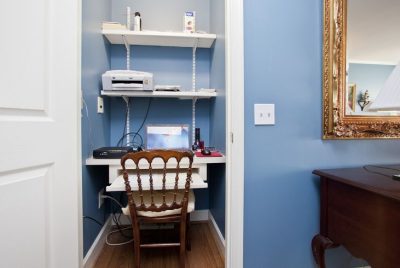
Why Your Desk Height is Silently Sabotaging Your Work
*Purchases made through our links may earn us a commission. Please view our disclosure to learn more.
Why Your Desk Height is Silently Sabotaging Your Work
Have you ever reached the end of a long workday and felt like your neck was being squeezed by an invisible hand? Or perhaps your wrists feel a dull ache that lingers long after you’ve closed your laptop? We often blame our workload or our stress levels, but the culprit is frequently much closer to home—or rather, closer to the floor. Your desk height is the silent conductor of your daily physical experience. If it’s off by even an inch, the rest of your posture collapses like a house of cards.
I remember my first “real” home office setup. I had a beautiful, heavy oak desk that looked like it belonged in a CEO’s corner suite. It was “standard height,” which in the furniture world usually means 29 to 30 inches. But as someone who stands a bit shorter than the average basketball player, I spent my days hunched over, reaching up to my keyboard like a child at a dinner table. My focus plummeted, and my chiropractor became my best friend.
It wasn’t until I started treating my desk like a precision tool rather than a piece of decor that everything changed. I realized that ergonomics isn’t a luxury; it’s a biological necessity. When your desk is at the right height, your body enters a state of “neutrality.” You aren’t fighting gravity; you’re working with it.
The Science of the 90-Degree Rule
To understand proper height, we have to talk about the 90-degree rule. Imagine your body is a series of hinges. When you sit, your elbows, hips, and knees should ideally form 90-degree angles. If your desk is too high, you’ll naturally shrug your shoulders to reach the keyboard. This leads to “trapezius tension,” that knots-in-the-neck feeling we all dread. If the desk is too low, you’ll lean forward, rounding your spine and putting immense pressure on your lower back. Your wrists are particularly vulnerable; a desk that’s too high forces them to bend upward (extension), which is a one-way ticket to Carpal Tunnel territory. So, how do you calculate your perfect desk height?
Most people think they should adjust their chair to their desk. In reality, it’s the other way around. You should adjust your chair to your body, and then bring the desk (or the keyboard) to your hands.
- Sit comfortably in your chair with your feet flat on the floor.
- Relax your shoulders and let your upper arms hang naturally at your sides.
- Bend your elbows to 90 degrees.
- Measure the distance from the floor to the bottom of your elbows.
That number is your ideal typing height. For most people, this is actually lower than the standard 29-inch desk. This is why keyboard trays or adjustable-height desks are so revolutionary, they bridge the gap between “standard manufacturing” and “human reality.”
Why the “Standard” 29-Inch Desk is Often Wrong
The 29-inch standard was designed for the “average” man of the 1950s. It doesn’t account for the diversity of human heights, nor does it account for the fact that we now use thin keyboards and laptops rather than thick typewriters. If you find yourself constantly shrugging, your desk is likely 2-3 inches too tall for you.
Rising Up: The Nuances of Standing Desk Height
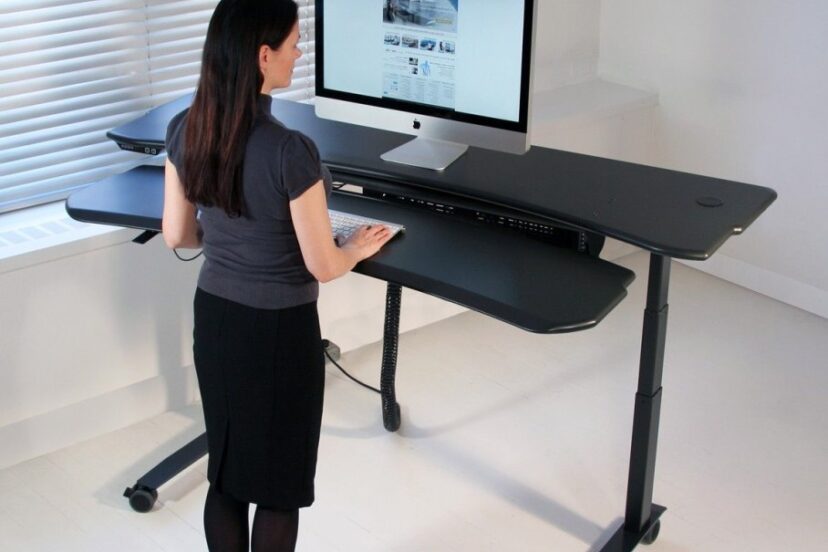
Standing desks have become the darling of the modern office, but “standing” isn’t a cure-all if you do it incorrectly. Standing at the wrong height is actually more exhausting than sitting at the wrong height.
When you transition to standing, the 90-degree elbow rule still applies. Your keyboard should be at a height where your forearms are parallel to the floor. However, there’s a psychological trick here: I often find that having the desk just a fraction of an inch lower than seated height allows for a more relaxed “float” of the hands.
The Footwear Factor: Why Shoes Change the Math
Are you working in slippers? Barefoot? Or perhaps you’ve got those thick-soled ergonomic sneakers? Your footwear can change your height by an inch or more. If you use an anti-fatigue mat (which I highly recommend), that adds another inch. Always measure your standing desk height while wearing what you normally wear during work hours.
Standing Desk Converters: The Bridge to Better Health
Not everyone can—or wants to—toss out their existing desk for a full motorized sit-stand model. This is where standing desk converters (often called “toppers”) come into play. They sit on top of your current desk and allow you to pop your monitor and keyboard up and down.
A converter is like an upgrade kit for your furniture. It’s perfect if you have a built-in desk or a sentimental piece of furniture you can’t part with. They provide a separate platform for your screen and your input devices, which is crucial for maintaining the correct distance between your eyes and your hands.
Manual vs. Electric: Choosing Your Path
Manual converters usually use a gas-spring mechanism. You grab a handle, and the desk “floats” up. They are fast and don’t require a power outlet. Electric converters move at the push of a button, which is great if you have heavy dual-monitor setup or back issues that make lifting—even assisted lifting—uncomfortable.
Positioning Your Converter Like a Pro
The biggest mistake people make with converters is the “laptop trap.” If you put a laptop directly on a converter, the screen will be too low when you’re standing. You’ll end up with “tech neck.” Always use a separate keyboard and mouse so you can raise the converter high enough that the top third of your monitor is at eye level.
6 Best Overall & 2 Popular Picks
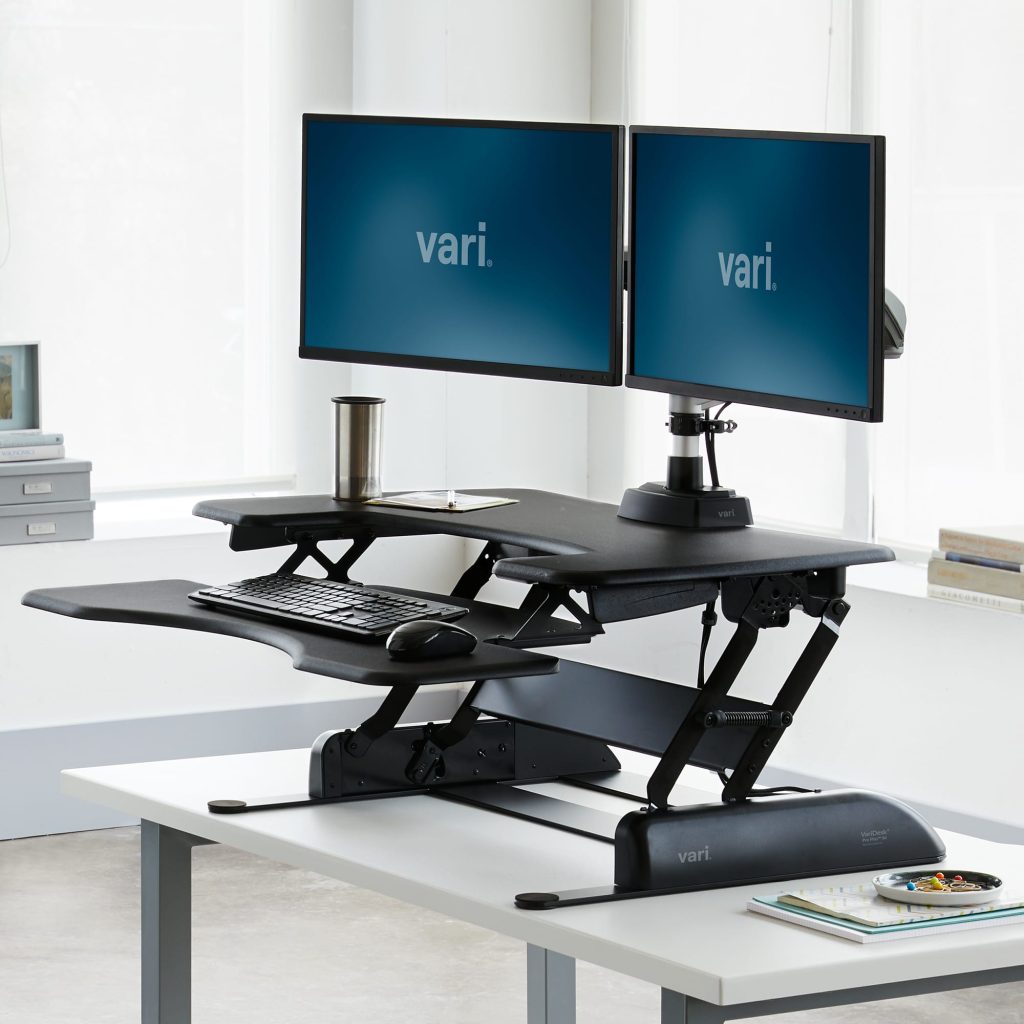
VariDesk Pro Plus 36 Standing Desk Converter – A bestselling dual-tier standing desk converter with a wide work surface and spring-assisted lift; converts your desk smoothly between sitting and standing with 11 height settings. Ideal for dual monitors or large work setups.
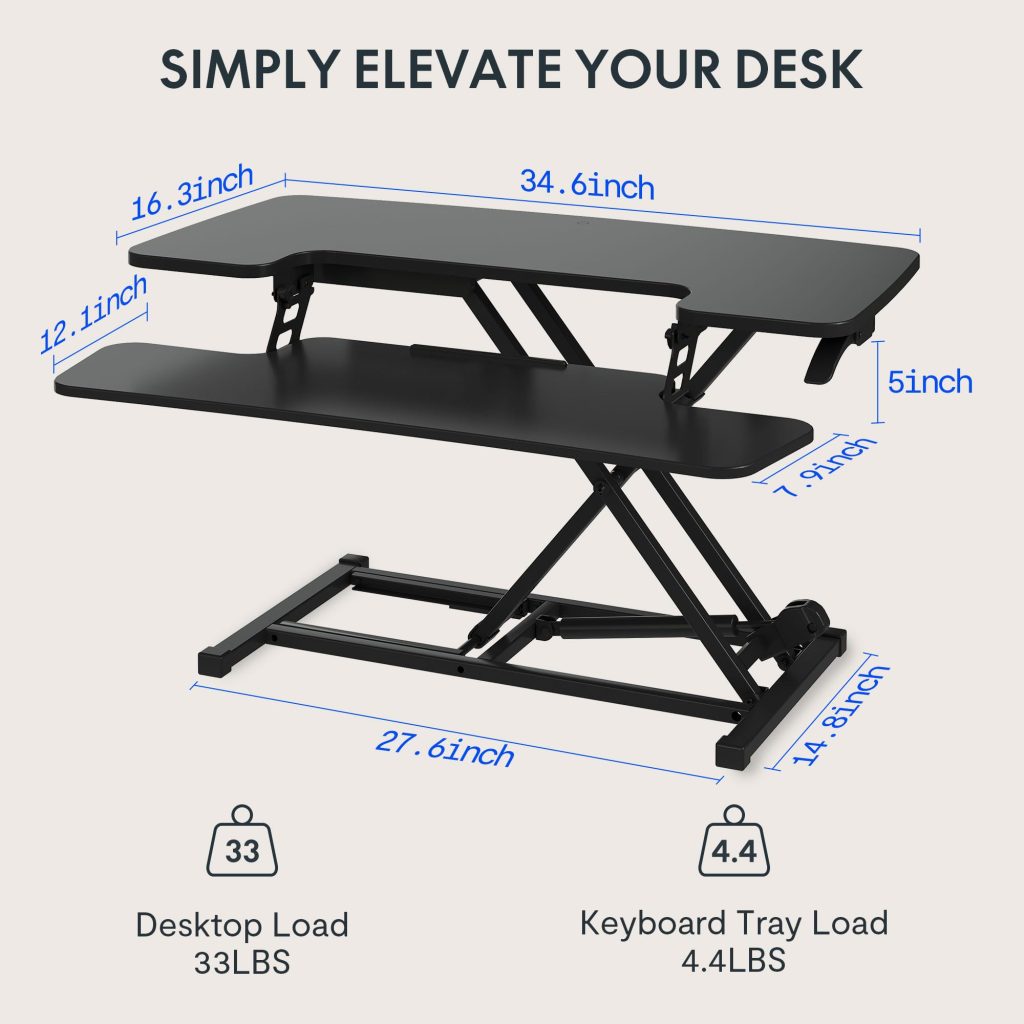
FlexiSpot 35 inch Standing Desk Converter – Highly rated for its stability and smooth height adjustment. Spacious work surface fits most monitors and laptops comfortably and supports ergonomic posture changes throughout the day.
VIVO Standing 32 Desk Converter – A more budget-friendly, reliable option with pneumatic lift and dual-tier design; supports up to ~33 lbs and offers a removable keyboard tray. Great everyday choice.
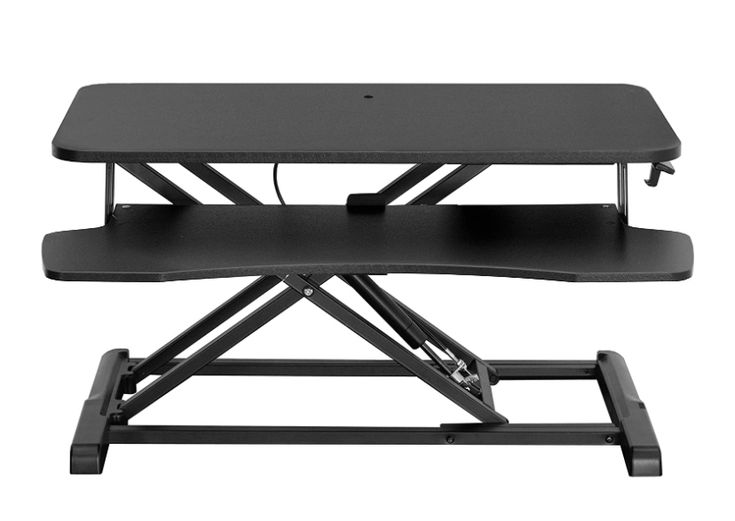
Great Value & Compact Options
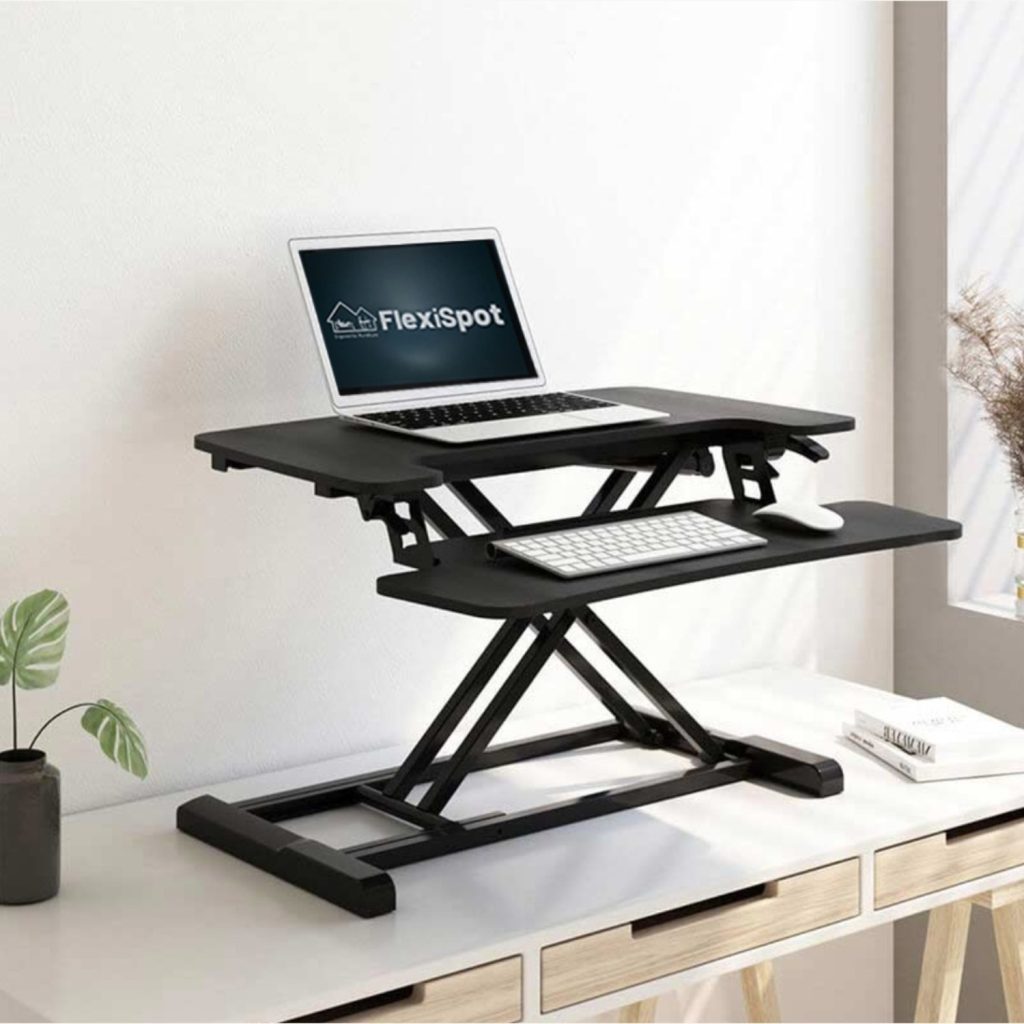
FlexiSpot 32 Standing Desk Converter – Excellent choice for smaller spaces or shallower desks; highly rated with a shallow footprint but effective height adjustment.
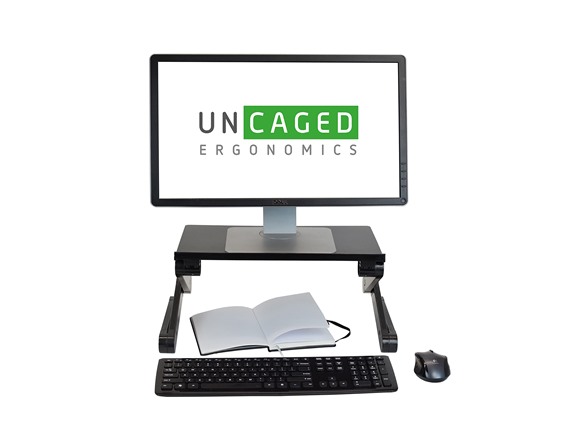
Uncaged Ergonomics WorkEZ – Adjustable up to 18″ with a sizable top panel; good for most laptop computers and tablets. Also versatile for all ergonomic setups including monitor height.
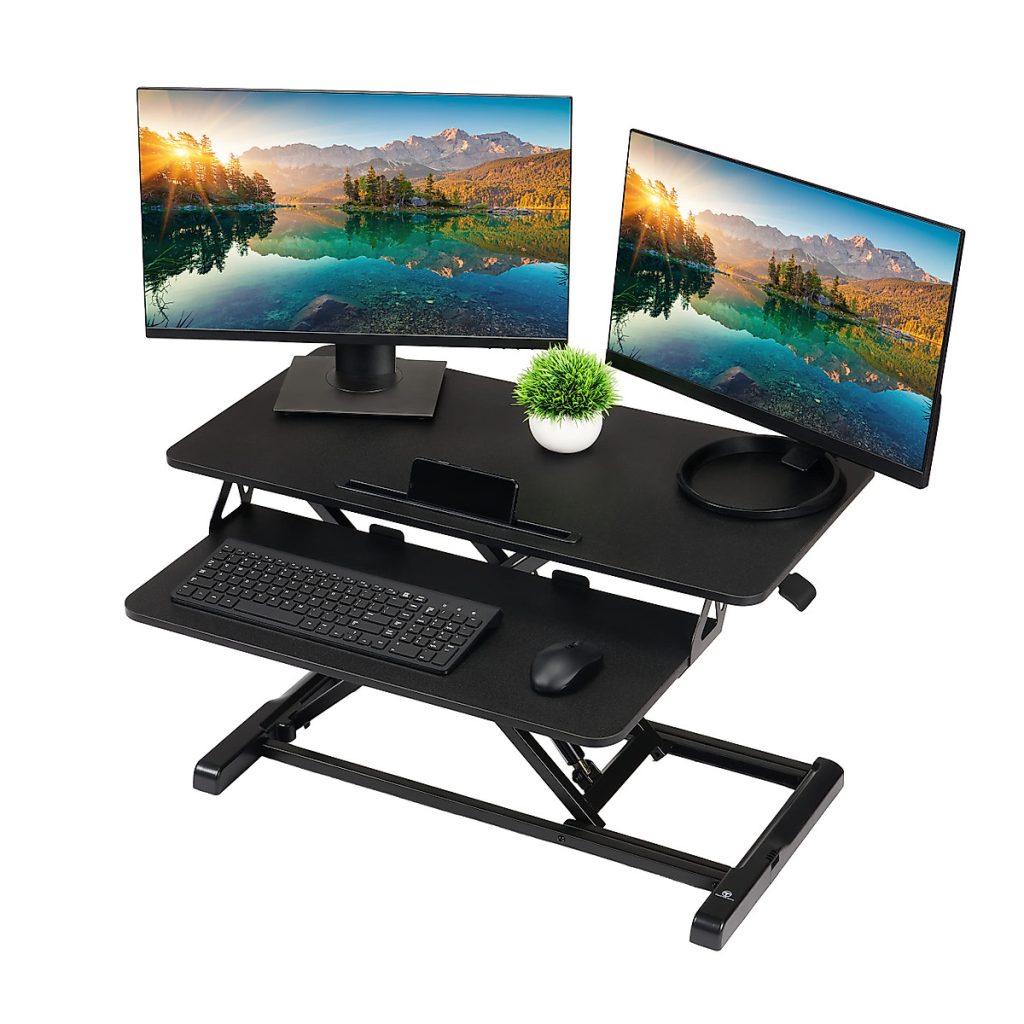
TechOrbits Light Standing Desk Converter – Smooth gas-spring lift with plenty of keyboard and monitor space; a solid mid-range converter.
Other Notable Choices
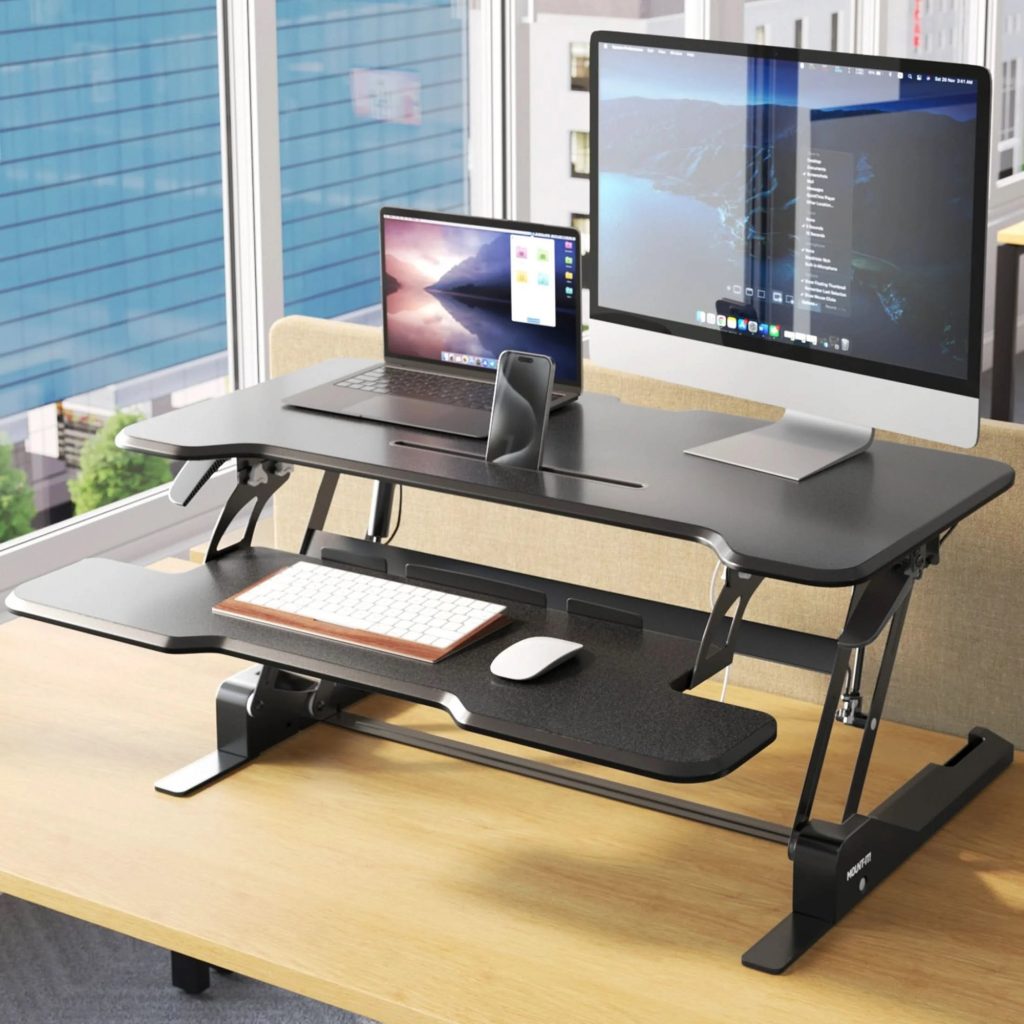
Mount‑It! Sit Stand Desk Converter – Includes integrated cable management and good ergonomic features, though reviews are more mixed than higher-rated options.
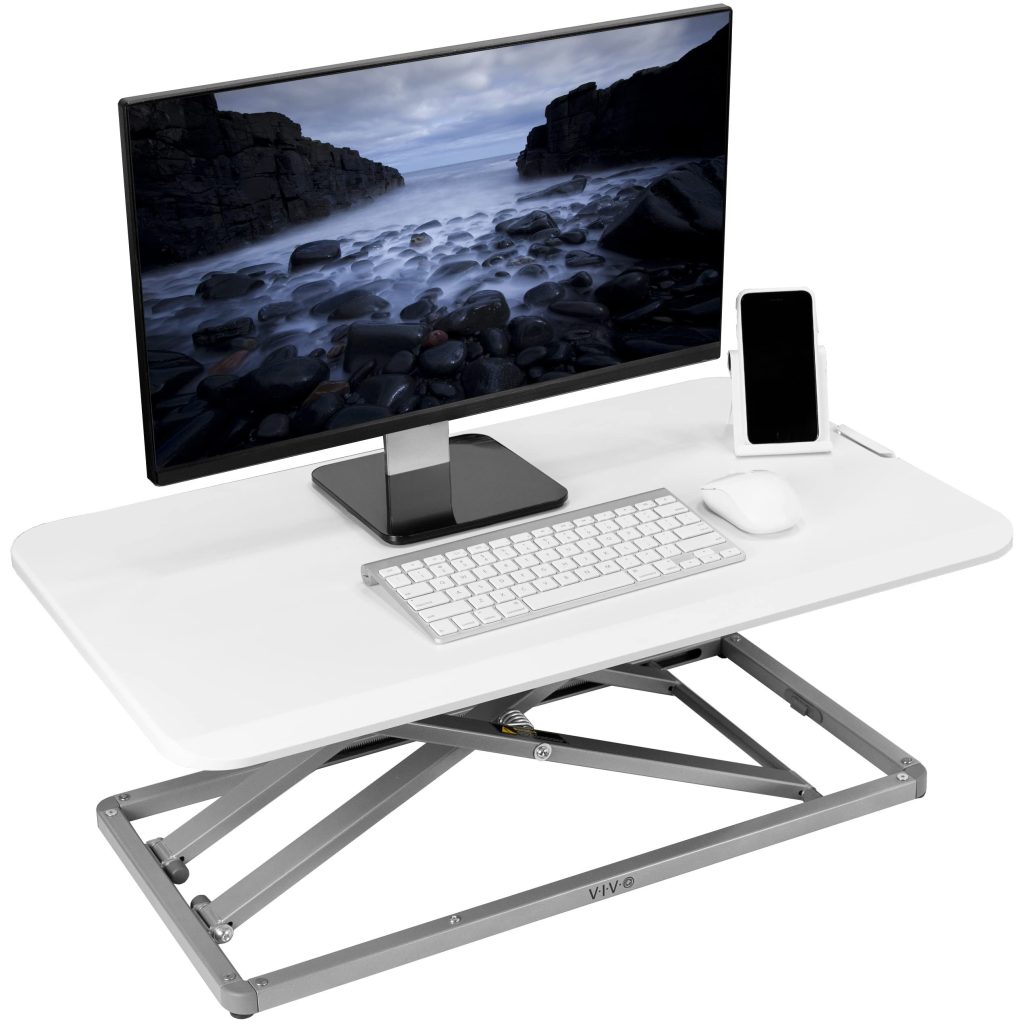
VIVO Height Adjustable 29″ Standing Desk Riser – Slightly smaller version of the standard VIVO converter, ideal if you want a compact but capable sit-stand solution.
Ergonomics Beyond the Surface: Keyboard Trays and Monitor Arms
If your desk is too high and you can’t change it, a keyboard tray is your best friend. It drops the typing surface down to your lap level. Combine this with a monitor arm, which lets you move your screen independently of your desk height. Think of these as the “fine-tuning knobs” on your ergonomic radio.
Pros of Mastering Your Desk Height:
- Elimination of “Workplace Fatigue”: When your body isn’t struggling to stay upright, you have more mental energy for your actual tasks.
- Long-term Spinal Health: Proper alignment prevents the premature wear and tear on discs that leads to chronic pain in your 40s and 50s.
- Increased Precision: Ever notice how your typing is more accurate when you aren’t reaching? Neutral wrist positions lead to fewer typos and faster output.
Cons of Ignoring Desk Ergonomics:
- Repetitive Strain Injuries (RSIs): Carpal Tunnel and Tendonitis aren’t just myths; they are the direct result of “reaching” and “pinching” at a desk that’s the wrong height.
- Poor Circulation: If your desk is too high, you might adjust your chair so high that your feet dangle, cutting off circulation to your legs.
- Visual Strain: If your height is wrong, your eyes are likely at the wrong angle to your screen, causing digital eye strain and headaches.
Conclusion: Taking the First Step Toward a Pain-Free Office
At the end of the day, your desk should serve you, not the other way around. Whether you invest in a full standing desk, a versatile converter, or simply a $50 keyboard tray, the goal remains the same: comfort. We spend a third of our lives working; don’t let that time be a source of physical trauma. Take five minutes today, grab a tape measure, and check your elbow height. Your body will thank you for years to come.
FAQs
- What is the average desk height for a person who is 5’10”?
For someone of that height, the ideal seated desk height is usually around 27 to 28 inches. Most standard desks will feel slightly too tall, so a keyboard tray or a slightly higher chair with a footrest is recommended. - How long should I stand vs. sit at a standing desk converter?
The “Golden Ratio” is often cited as 20 minutes of sitting, 8 minutes of standing, and 2 minutes of moving/stretching. Don’t try to stand all day immediately; it’s a marathon, not a sprint! - Can I use a standing desk converter with a laptop?
Yes, but with a caveat. You must use an external keyboard and mouse. If you type on the laptop keyboard while it’s at eye level, your shoulders will scream. If you type on it at waist level, your neck will suffer. Separate the screen from the keys! - Do I need an anti-fatigue mat for a standing desk?
If you plan on standing for more than 15 minutes at a time, yes. Standing on a hard floor compresses the joints in your feet and knees. A mat acts like a shock absorber for your skeleton. - Are standing desk converters stable enough for typing?
Cheaper models can be “wobbley.” Look for a converter with a heavy base and a “Z-frame” or “X-frame” design. If you’re a heavy-handed typer, a motorized full desk is usually more stable than a converter.