The Ultimate Guide to the Benefits of Using an Ergonomic Computer Keyboard
*Purchases made through our links may earn us a commission. Please view our disclosure to learn more.
Introduction to Ergonomic Keyboards
Have you ever ended a long workday rubbing your wrists, wondering why they feel like they’re on fire? I have. It’s not fun. In fact, ignoring it is like letting a slow leak sink your favorite boat. You think it’s fine until you’re completely underwater. When I first UPGRADED MY HOME OFFICE, I focused on the flashy stuff—a massive monitor, a high-definition webcam, and a sleek desk. But I completely ignored the one tool I touched the most: my keyboard.
Typing on a standard, flat keyboard for eight hours a day is like trying to run a marathon in dress shoes. It gets the job done, but at what cost to your body? After weeks of nagging forearm pain, I decided to make the switch as a home office ergonomics advisor and enthusiast. Today, I want to guide you through the profound benefits of using an ergonomic computer keyboard. Trust me, it is an absolute game-changer for your health and your daily workflow.
What Exactly is an Ergonomic Keyboard?
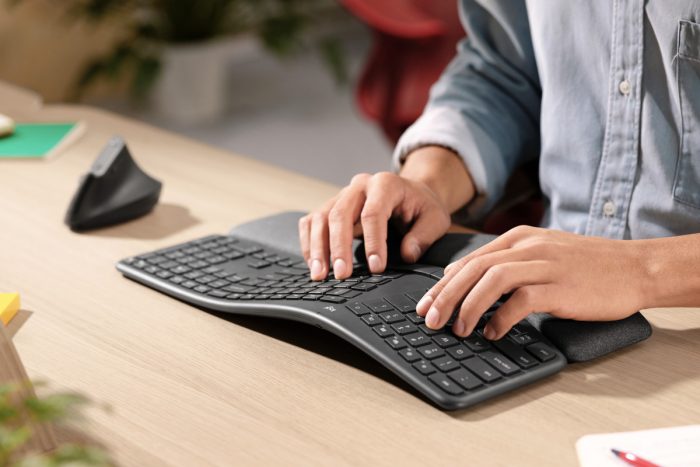
Before we dive into the benefits, we need to understand what this device actually is. At its core, an ergonomic keyboard is a piece of hardware designed to minimize muscle strain, fatigue, and other biomechanical problems. Think of it as a tailor-made suit for your hands. Instead of forcing your body to adapt to a rigid piece of plastic, an ergonomic keyboard adapts to the natural resting state of your body.
Unlike traditional keyboards, which force your hands into a flat, unnaturally close position, ergonomic models respect human anatomy. They fan out the keys to match the natural angle of your arms as they reach forward. Your fingers are the orchestra, and the keyboard is the instrument; you wouldn’t ask a maestro to play on a broken piano, would you?
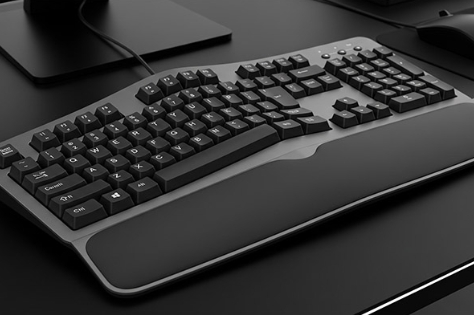
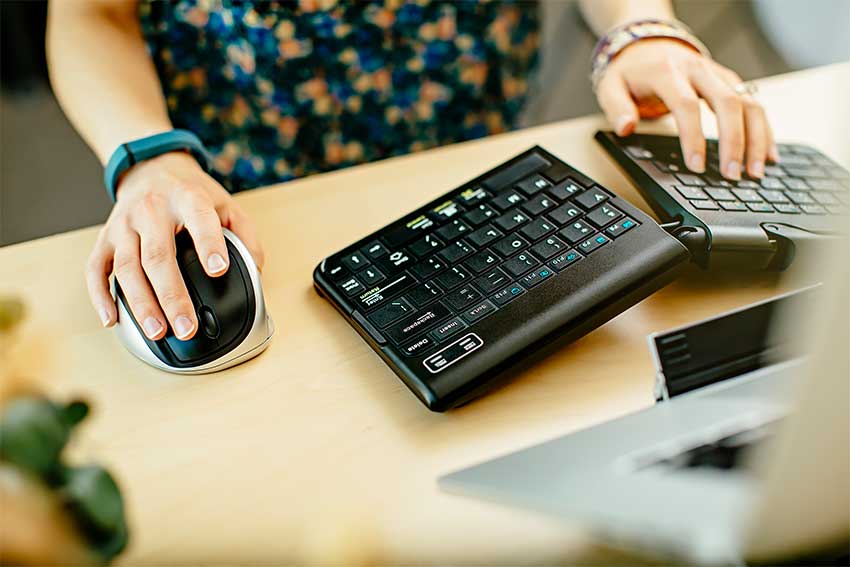
There are two main styles you will encounter. Angled (or “wave”) keyboards feature a gentle curve built into a single, continuous board. They are great for beginners. Split keyboards, on the other hand, physically divide the keyboard into two halves. You can move these halves shoulder-width apart, which completely opens up your chest and aligns your arms perfectly.
The Physical Benefits: Why Your Body Will Thank You
Let’s get into the meat and potatoes of why you need this upgrade. The physical advantages of ergonomic keyboards are not just marketing fluff; they are grounded in biomechanics and medical science.
Are you terrified of Repetitive Strain Injuries (RSIs)? You should be. Carpal tunnel syndrome is the bane of the modern knowledge worker. A standard keyboard forces you into “ulnar deviation”—a fancy term for bending your wrists outward to fit your hands on the home row. This pinches the median nerve. Ergonomic keyboards keep your wrists straight and neutral, drastically reducing the pressure on that vital nerve and keeping the pain at bay.
It’s not just about your hands. Everything in the body is connected. When you bring your hands close together to type on a standard laptop or flat keyboard, your shoulders naturally hunch forward. This leads to that dreaded “tech neck” and chronic upper back pain. A split ergonomic keyboard allows you to keep your hands wider apart. What happens next? Your shoulders drop, your chest opens up, and you naturally sit back into your chair.
The Role of Palm Rests and Tenting
Many ergonomic keyboards feature padded palm rests and “tenting” mechanisms. Tenting elevates the middle of the keyboard, mimicking the natural handshake position of your hands. This completely eliminates the forearm pronation (twisting) required to lay your hands flat on a desk.
Best Overall Ergonomic and Split Keyboards
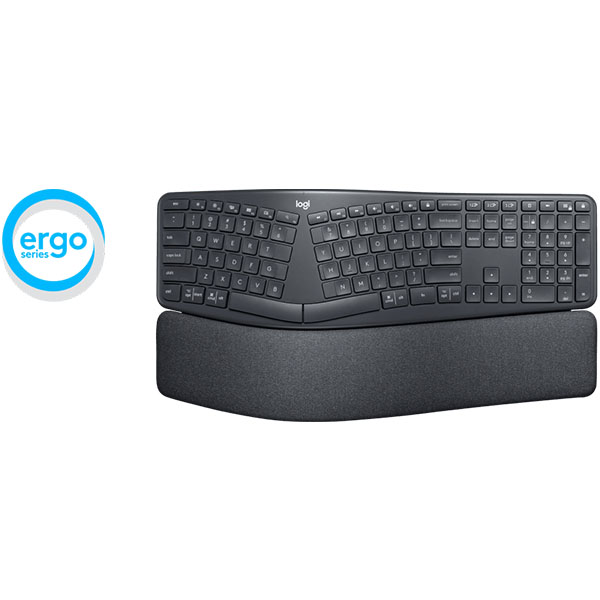
Logitech ERGO K860 Split Keyboard –
A highly rated split ergonomic keyboard designed to reduce wrist strain and improve typing posture. It has a curved keyframe with a cushioned wrist rest and supports multiple device connections via Bluetooth or USB. Great for heavy typing, office work, and everyday use.
Logitech Wave Keys Keyboard Wireless 920 –
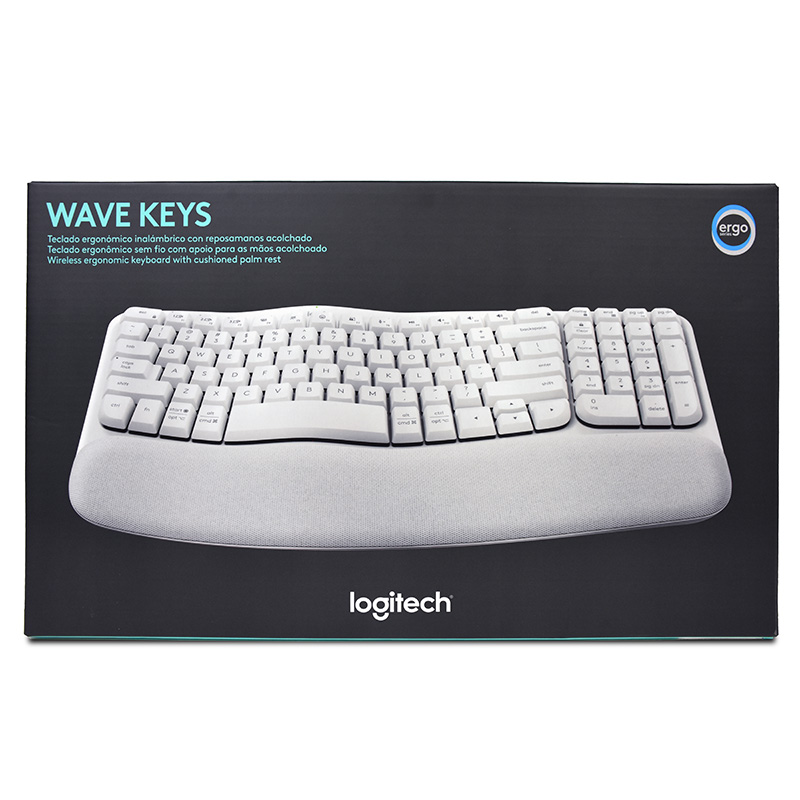
Wireless keyboard featuring a wavy keyframe and integrated palm support that helps align your wrists naturally. It’s lightweight and easy to connect, making it a strong choice for comfort on a budget.
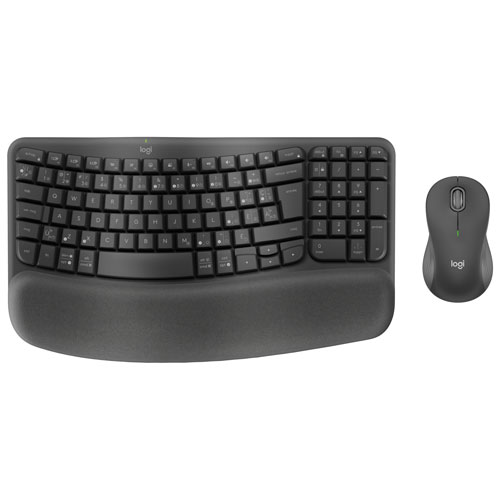
Logitech Wave Keys MK670 Keyboard & Mouse Combo Wireless 920 –
A combo that includes Logitech’s ergonomic Wave Keys keyboard and a contoured mouse. The wave design and cushioned palm rest help keep wrists in a natural position, and the wireless connection reduces desk clutter.
Kinesis Freestyle2 Keyboard –
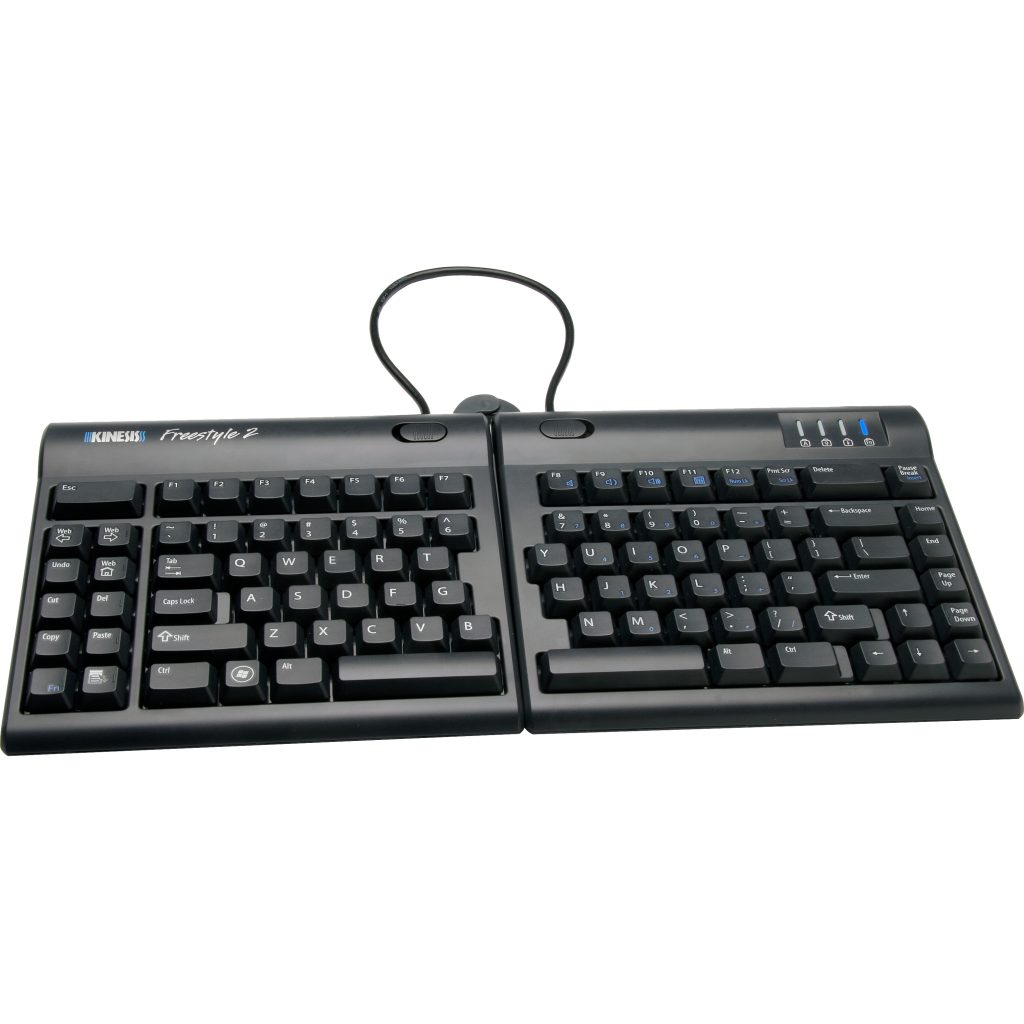
This split design lets you physically separate the two halves of the keyboard for optimal shoulder and wrist positioning. Excellent for users seeking custom ergonomic setups and flexibility.
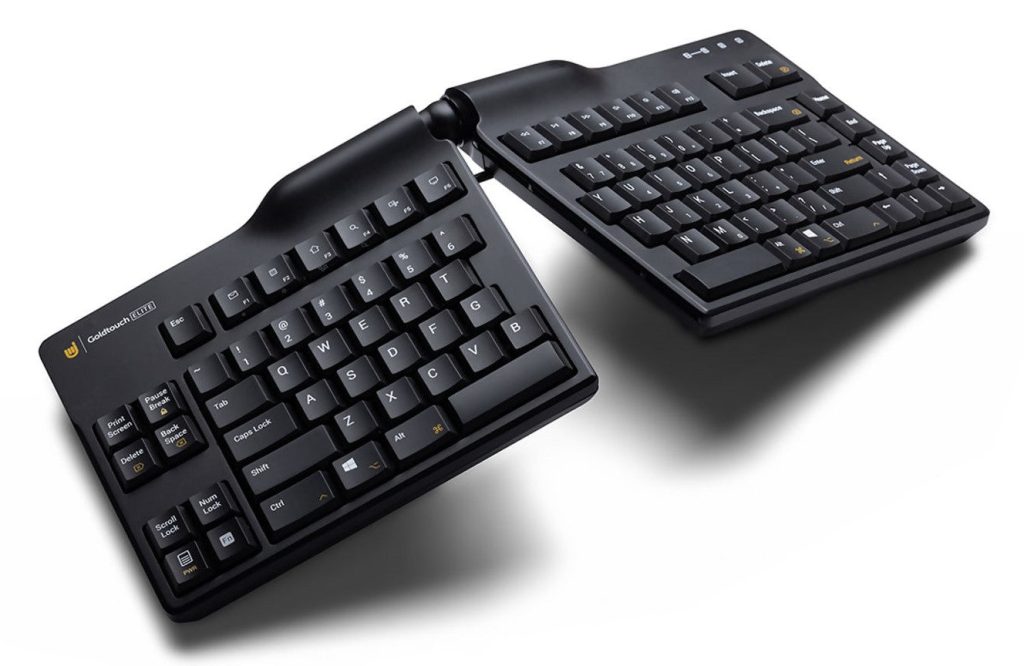
Goldtouch Elite Adjustable Ergonomic Keyboard –
Adjustable split keyboard that lets you customize the angle and height. It’s designed to reduce wrist and hand stress, ideal for users who type a lot and need posture support.
Kensington Pro Fit Ergo Wireless Keyboard –
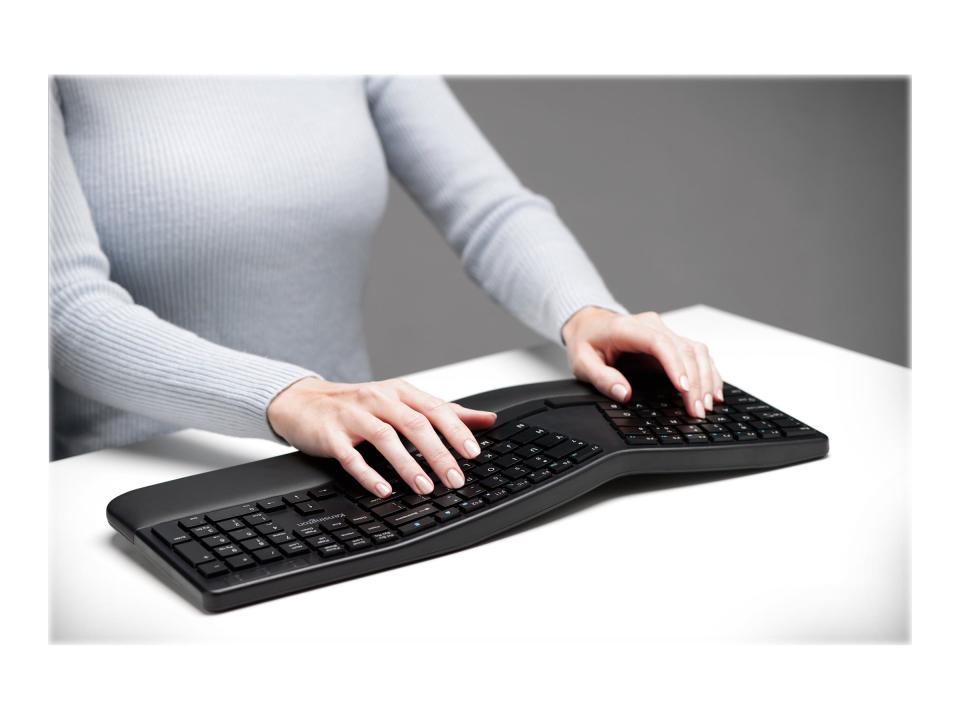
Wireless ergonomic keyboard with split and sloped key layout plus a built-in wrist rest. Good entry-level pick for improving posture and comfort without spending much.
EPOMAKER Split 65 Keyboard –
A modern split layout keyboard with hot-swappable switches and multiple connectivity options (wired and wireless). Compact 65% design saves desk space while still offering comfortable split typing. Great for both work and casual gaming.
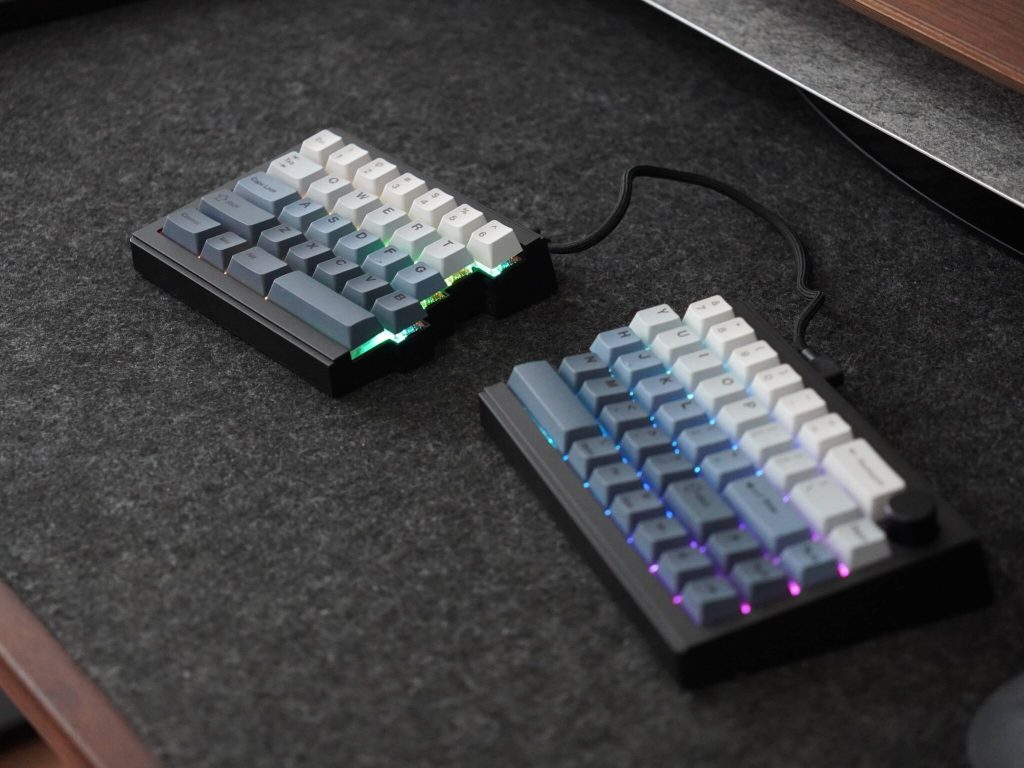
Cloud Nine Ergonomic Keyboard –
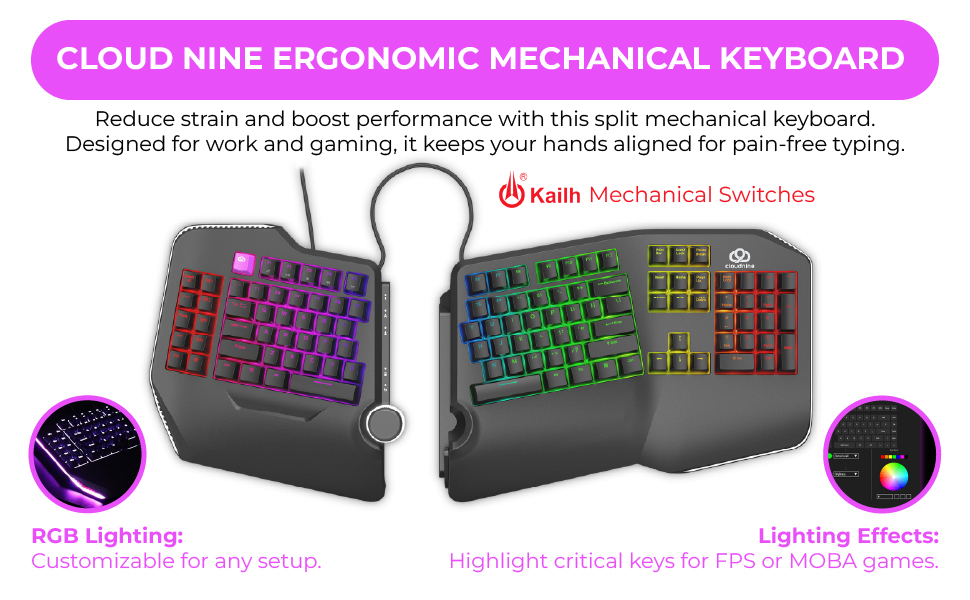
A premium split mechanical keyboard with separate halves that extend up to ~6.5” apart and built-in tented palm support to promote a more natural hand posture. Includes an aluminum smart wheel for media control, adjustable settings, and Kailh switches for satisfying typing feel.
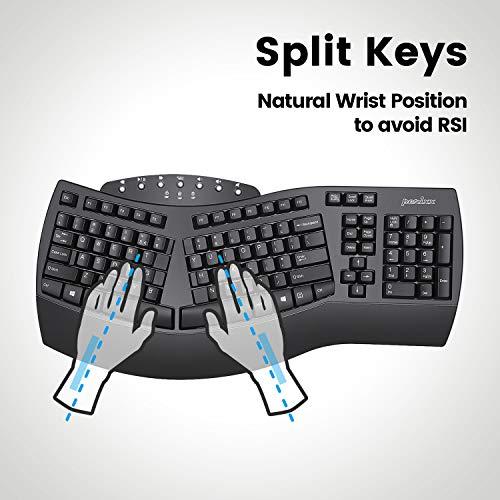
Perixx Periboard-612B Wireless Split Ergonomic Keyboard –
A versatile full split keyboard for the budget minded. It’s designed to keep shoulders, wrists, and elbows aligned naturally, and its simple ergonomic shape is ideal for office typing without steep learning curves.
NocFree Lite Wireless Split Keyboard –
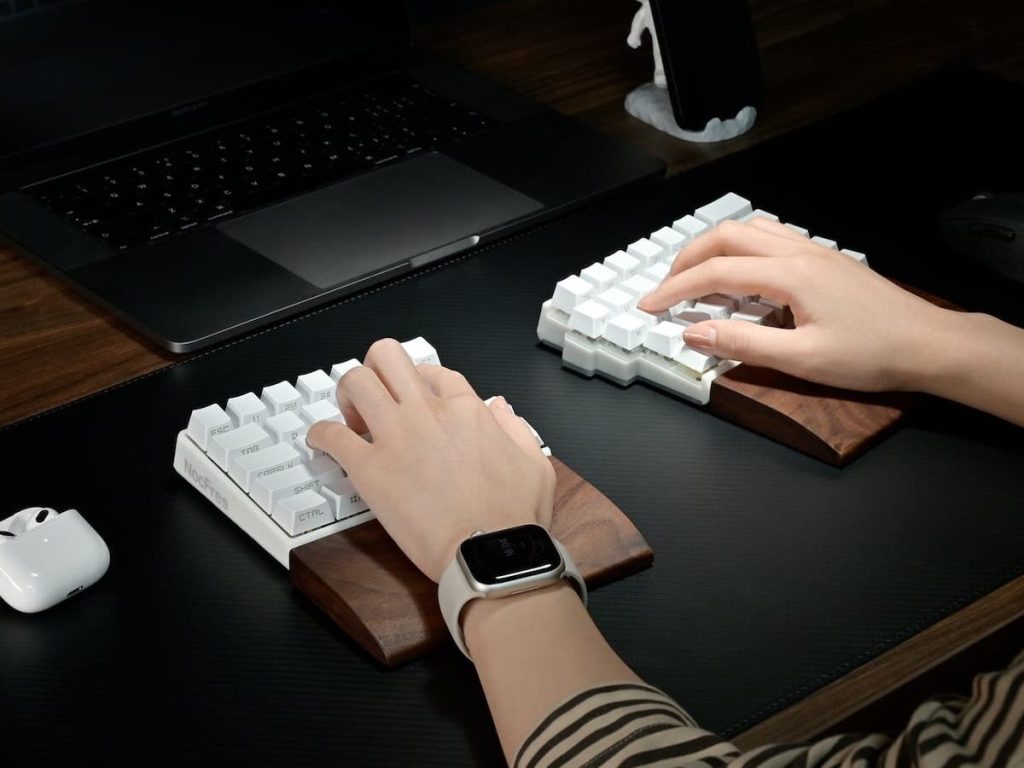
A top-end wireless split keyboard with a minimalist, modern aesthetic — letting you type comfortably without the clutter of cables. This is a good option if you want ergonomic benefits plus clean desk setup without compromising mechanical feel.
Pros and Cons: To Switch or Not to Switch?
To give you a balanced view, let’s break down the immediate pros of adopting this technology and the cons of stubbornly sticking to your old, flat keyboard.
3 Pros of Using an Ergonomic Keyboard
- Reduces Muscle Strain: By keeping your wrists in a neutral “handshake” position, you eliminate the micro-tears and tension that build up during a long typing session.
- Enhances Natural Posture: It naturally encourages you to sit back, open your chest, and align your shoulders, saving you from chronic back and neck pain.
- Increases Typing Stamina: Because you are expending less physical energy holding an unnatural pose, you can type comfortably for much longer periods without needing to stretch or ice your wrists.
3 Cons of Sticking with a Traditional Keyboard
- Elevated Risk of RSIs: Not using one dramatically increases your chances of developing debilitating conditions like Carpal Tunnel Syndrome or Tendonitis.
- Increased Shoulder and Neck Tension: The forced, narrow hand position causes you to hunch forward, leading to severe stiffness in your upper body by 5:00 PM.
- Reduced Focus Due to Discomfort: It is incredibly hard to concentrate on deep, creative work when your forearms are aching and your fingers feel fatigued.
Productivity Boosts: Typing Like a Pro
We’ve talked about health, but what about your output? Can an ergonomic keyboard actually make you better at your job? Absolutely.
When your fingers are perfectly aligned with the keys, the distance each finger has to travel is optimized. While you might see a slight dip in speed on day one, most users report a noticeable increase in Words Per Minute (WPM) once they adapt. Your hands aren’t fighting the layout; they are flowing over it.
Fatigue is the enemy of productivity. If you are constantly adjusting your posture, shaking out your wrists, or rubbing your neck, you are not working. By eliminating this low-level, constant physical stress, an ergonomic keyboard frees up your mental bandwidth. You stay in the “flow state” longer.
Ergonomic Keyboards for Home Office
Working from home often means improvised desks and long hours. That’s a recipe for discomfort unless your office is ergonomic. Without office ergonomics or Adjustable Desks or Desk Risers, home workers are more vulnerable to strain. An ergonomic keyboard is one of the easiest fixes.
How to Choose the Right Ergonomic Keyboard for Your Home Office
Not all ergonomic keyboards are created equal, and choosing one can feel like navigating a minefield. As an advisor, I always tell people to start by identifying their biggest pain points.
Mechanical Keys vs. Membrane Switches
This is where personal preference shines. Membrane keys are quiet and soft—perfect if you share a home office or take a lot of Zoom calls. Mechanical keys offer a tactile “click” and require less force to register a keystroke, which can further reduce finger fatigue. I personally love the tactile feedback of mechanical switches; it feels like popping bubble wrap with every sentence!
Wired vs. Wireless Options
Do you value a clean, minimalist desk setup? Go wireless. Modern Bluetooth ergonomic keyboards have zero lag and incredibly long battery lives. However, if you are an intense gamer after hours or hate replacing batteries, a wired option guarantees a steady connection without the fuss.
The Transition Period: Overcoming the Learning Curve
I won’t lie to you: the first few days with a split or angled keyboard will feel weird. You will hit the wrong keys. You might feel like you’ve forgotten how to type. This is totally normal! Your muscle memory has been trained on a flat surface for years. Give it a week or two. Practice your typing slowly. Once your brain rewires to the new layout, you will never want to go back.
Conclusion: Making the Ergonomic Switch Today
Upgrading your home office is an investment in yourself. We spend thousands of hours a year sitting at our desks, yet we often neglect the very interfaces that connect us to our work. Buying an ergonomic computer keyboard isn’t just about treating existing pain; it’s a proactive step toward long-term health and sustained productivity. Don’t wait for the burning sensation in your wrists to force your hand. Make the switch, respect your body’s natural alignment, and experience the joy of pain-free typing. Your future self will thank you.
FAQs
1. How long does it take to get used to an ergonomic keyboard?
For most people, the transition takes anywhere from three days to two weeks. Your speed will initially drop, but consistent daily use will quickly rebuild your muscle memory.
2. Can an ergonomic keyboard cure my existing carpal tunnel syndrome?
While it is not a medical cure, it is one of the most highly recommended tools by physical therapists to alleviate the symptoms and prevent the condition from worsening by removing the unnatural pressure on the median nerve.
3. Are ergonomic keyboards good for gaming?
Yes, though it depends on the game. For casual gaming and MMOs, they offer great comfort. However, competitive fast-paced shooter players might prefer dedicated gaming keypads.
4. Why are ergonomic keyboards usually more expensive?
They require more complex manufacturing processes, specialized internal circuitry (especially for split designs), and often include premium features like adjustable tenting mechanisms and high-quality wrist pads.
5. Should I get a split keyboard or an angled (wave) keyboard?
If you already suffer from shoulder or chest pain, a fully split keyboard is best because you can place the halves at shoulder width. If you just want wrist relief and an easier learning curve, a one-piece angled board is a fantastic starting point.