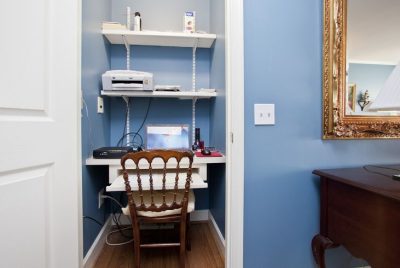
Light Your Way to Better Work: Why a Good Computer Desk Lamp is Your Secret Weapon
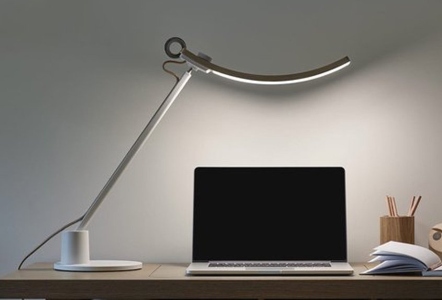
*Purchases made through our links may earn us a commission. Please view our disclosure to learn more.
My Journey from Eye Strain to Enlightenment
Let’s be honest: when we set up our home offices, we usually spend all our money on the “big” stuff. We buy the ultra-wide monitors, the latest MacBook, or that chair that looks like it belongs on a spaceship. For the longest time, I was that person. I’d work late into the night with nothing but the blue glow of my screen and a weak, flickering overhead bulb to guide me. By 4:00 PM every day, my eyes felt like they had been rubbed with sandpaper, and my focus was shot.
It wasn’t until I invested in a high-quality desk lamp—one with adjustable brightness and color temperature—that the “lightbulb moment” literally happened. I realized that lighting isn’t just about seeing your keyboard; it’s about managing your biological energy. A good lamp is like the seasoning in a gourmet meal; you might not notice it when it’s perfect, but you’ll certainly notice when it’s missing.
The Hidden Science: Why Your Ceiling Light Isn’t Enough
Why do we need a desk lamp if we have a big light on the ceiling? Think of your ceiling light as a “floodlight” and your desk lamp as a “spotlight.” Overhead lighting is often too diffuse and creates “flat” environments. Worse, if the light is behind you, your own head and shoulders cast a giant shadow over your workspace.
The Battle Against Glare and Shadows
Have you ever found yourself squinting at a physical notebook or a printed document on your desk? That’s because your eyes are struggling with contrast. A dedicated lamp provides task lighting, which illuminates the specific area where you’re working without washing out your monitor. It reduces the “contrast gap” between your bright screen and the dark desk around it, which is the primary cause of digital eye strain.
Understanding the “Lumen” Language
When I first started looking for a lamp, I was confused by the technical jargon. Here’s the simple version: Lumens measure brightness. For a computer desk, you don’t need a lighthouse beacon. You want something that offers between 400 and 800 lumens. But the trick isn’t just power; it’s dimmability. Your lighting needs at 10:00 AM are vastly different from your needs at 11:00 PM.
Color Temperature: Setting the Vibe for Success
This is where the magic happens. Have you noticed how some lights feel “yellow” and cozy while others feel “blue” and clinical? This is measured in Kelvin (K). During the day, I use a cooler, daylight-mimicking light (around 5000K). This keeps me alert and signals to my brain that it’s time to produce cortisol and stay focused. As evening rolls around, I shift my lamp to a warm, amber hue (around 2700K). This mimics the sunset and helps my body transition into “wind-down” mode. Using a cold, blue light late at night is like drinking an espresso right before bed—it’s a recipe for insomnia.
Ergonomics 101: Where Should Your Lamp Live?
Positioning is everything. If you place your lamp incorrectly, you’ll end up with a nasty reflection on your monitor that makes it impossible to work. Here’s a pro tip I wish I’d known sooner: place your lamp on the opposite side of your dominant hand. If you’re right-handed and you’re writing notes, placing the lamp on the right will cause your hand to cast a shadow over your words. By putting it on the left, the light sweeps across the page cleanly.
To avoid screen glare, ensure the bottom of the lampshade is at about chin level. You want the light hitting the desk and your documents, not your eyes directly and certainly not bouncing off the glass of your monitor.
Features That Actually Matter (And Those That Don’t)
Don’t get distracted by “smart” features that let you turn your lamp purple. You’re working, not hosting a rave. Focus on the quality of the light itself. Most cheap LED lamps have a low CRI, which makes colors look muddy and grey. A lamp with a CRI of 90 or higher will make colors pop as they do in natural sunlight.
If you’re a photographer, graphic designer, or even just someone who likes to look good on Zoom, CRI matters. A high CRI lamp ensures that the “navy blue” shirt you’re wearing doesn’t look black, and that the skin tones in your video calls look healthy rather than zombie-like.
Flicker-Free Tech: The Silent Eye Saver
Many cheap LEDs flicker at a rate invisible to the naked eye but very “visible” to your brain. This leads to headaches. Look for “flicker-free” certification. It’s an invisible upgrade that makes a world of difference for long-term health.
Desk Lamps vs. Screen Bars: The Great Debate
Recently, “screen bars” (lights that clip to the top of your monitor) have become popular. I love them for saving desk space, but they don’t replace a traditional swing-arm lamp if you do a lot of paperwork. A swing-arm lamp is versatile; you can move it to light up a textbook, a product you’re inspecting, or even use it as a “key light” for your webcam.
8 Best Overall & Popular Everyday Desk Lamps from $30 – $200
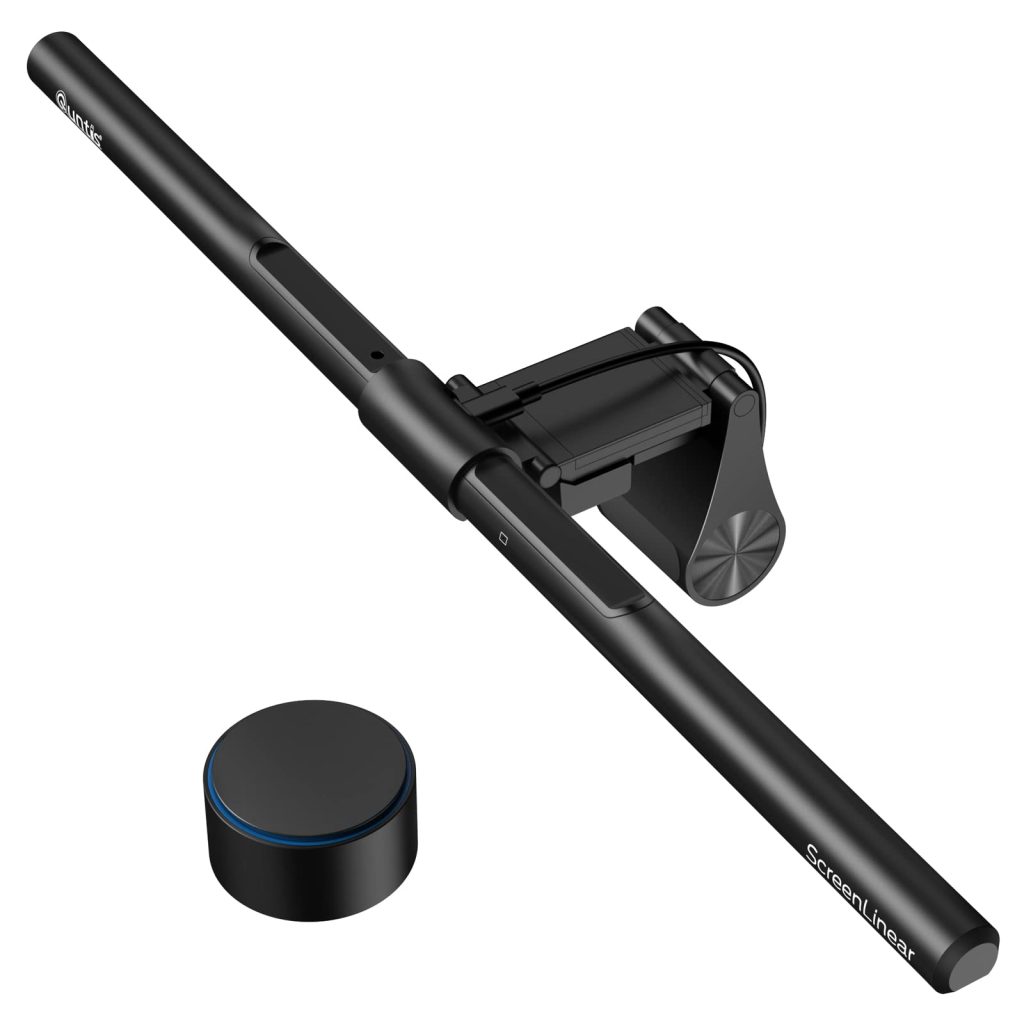
Quntis Computer Monitor Lamp PRO+ –
A top-rated bar lamp with near natural spectrum lighting designed for reading, crafting, and prolonged desk work. Provides no screen glare and is dual touch and remote control. Comes in three styles in three price ranges.
Xiaomi Mi Computer Monitor Light Bar –
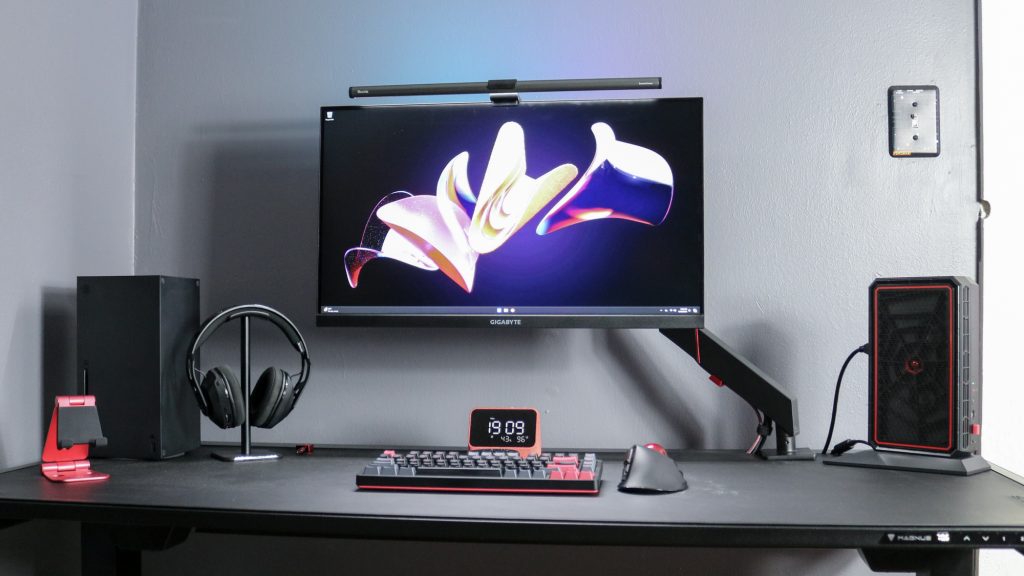
This highly praised bar lamp has a 15 mode, 4 color backlight for that extra personalized touch. The Ra95 Eye-Care monitor lamp is dimmable and USB charged/powered and comes with a remote control.
VEVOR LED Desk Lamp with Clamp –
Affordable and space-saving, this clamp-on lamp features a flexible gooseneck to position light precisely where you need it. Great for small desks or study areas.
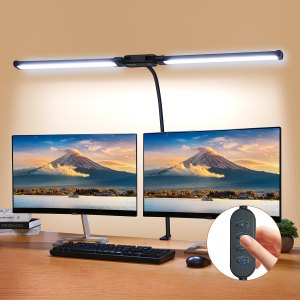
Micomlam LED Desk Lamp With Clamp –
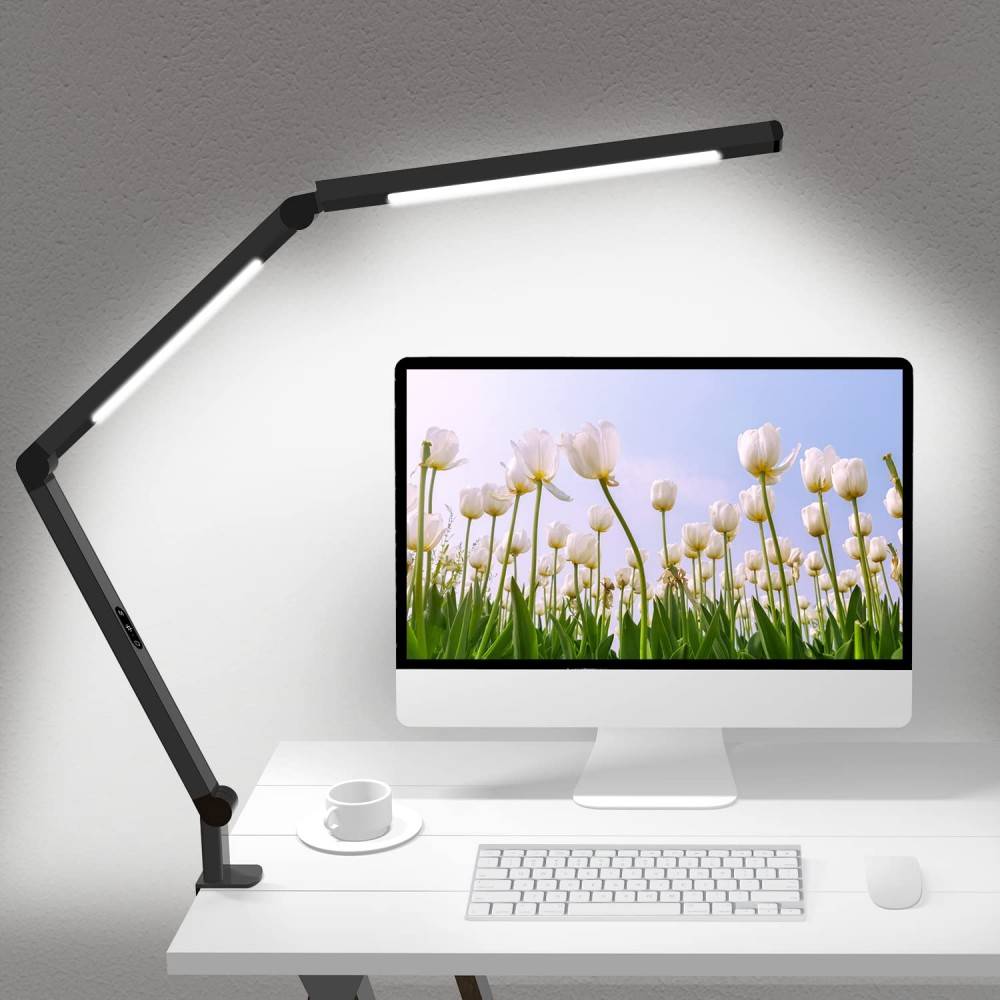
A reliable mid-range LED lamp with dimmable brightness and with a rotating body, suitable for students and remote workers alike.
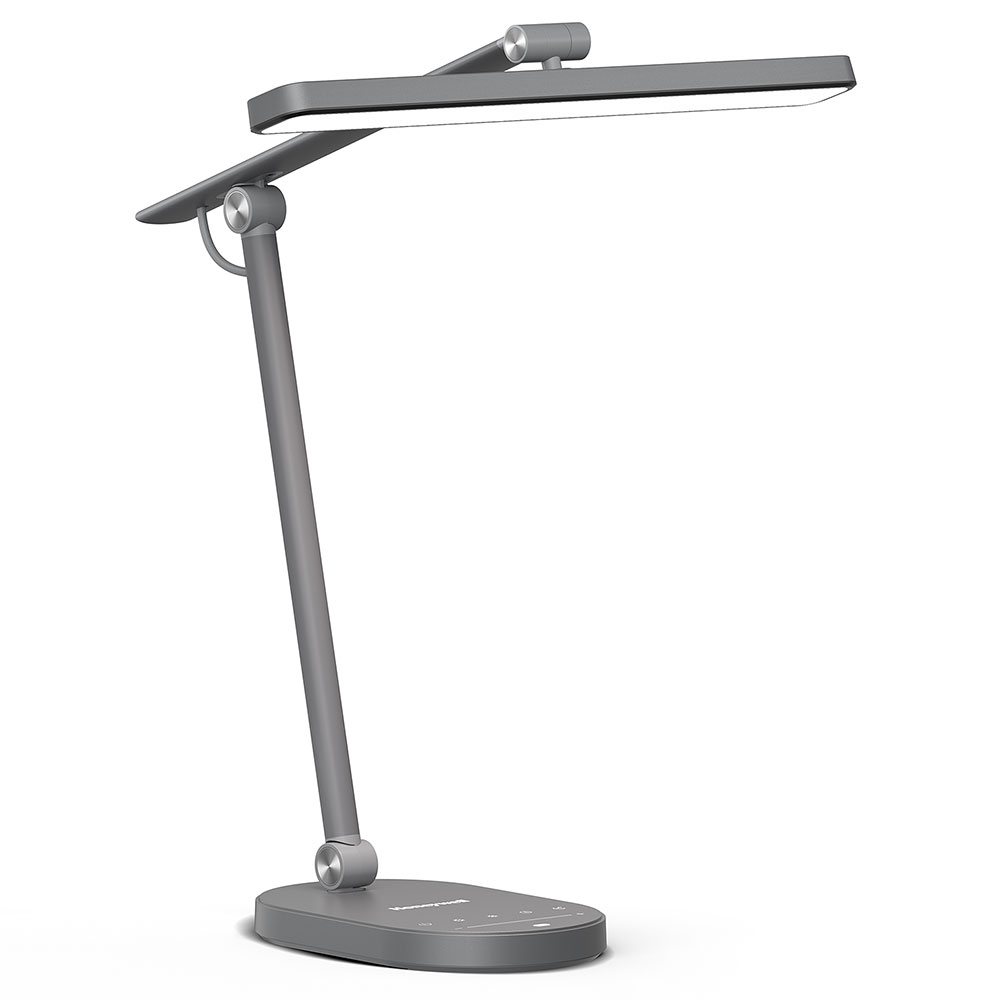
Honeywell H4 Sunturalux Eye-Caring LED Desk Lamp –
A more advanced choice focused on eye comfort and adjustable light temperature, ideal if you spend many hours reading or working.
BenQ Genie e-Reading LED Light Desk Lamp –
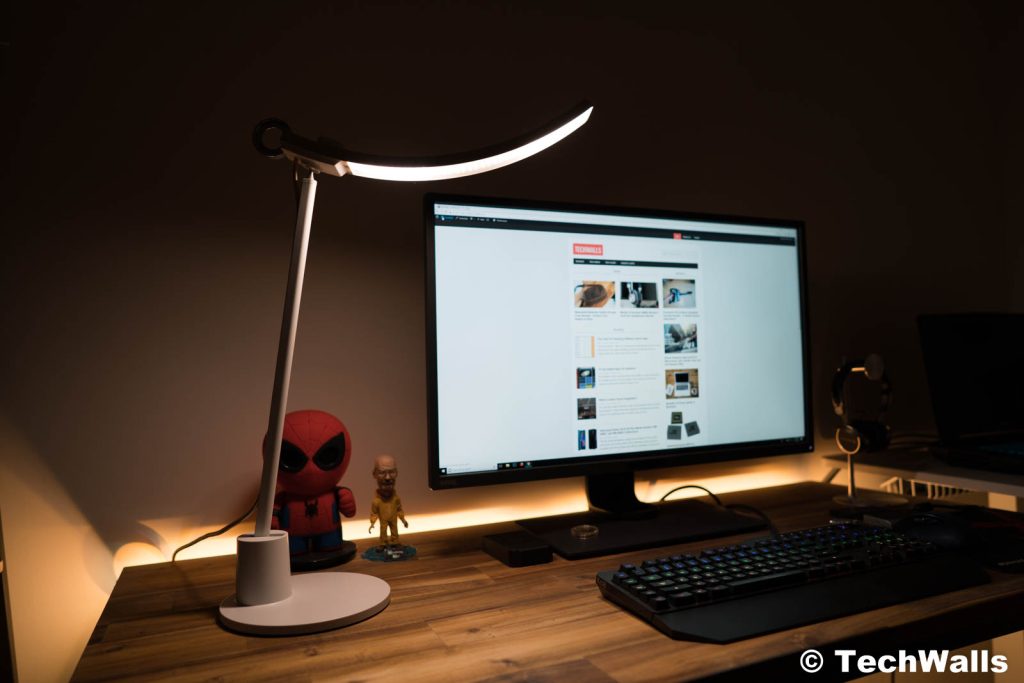
A higher-end, premium desk lamp with wide lighting coverage and smart ambience-responsive lighting. Great if you want professional-grade illumination.
Mount-It! Turcom RelaxaLight Dimmable LED Desk Lamp –
A stylish and comfortable lighting solution with touch controls for brightness and color adjustments that’s suitable for larger workspaces.
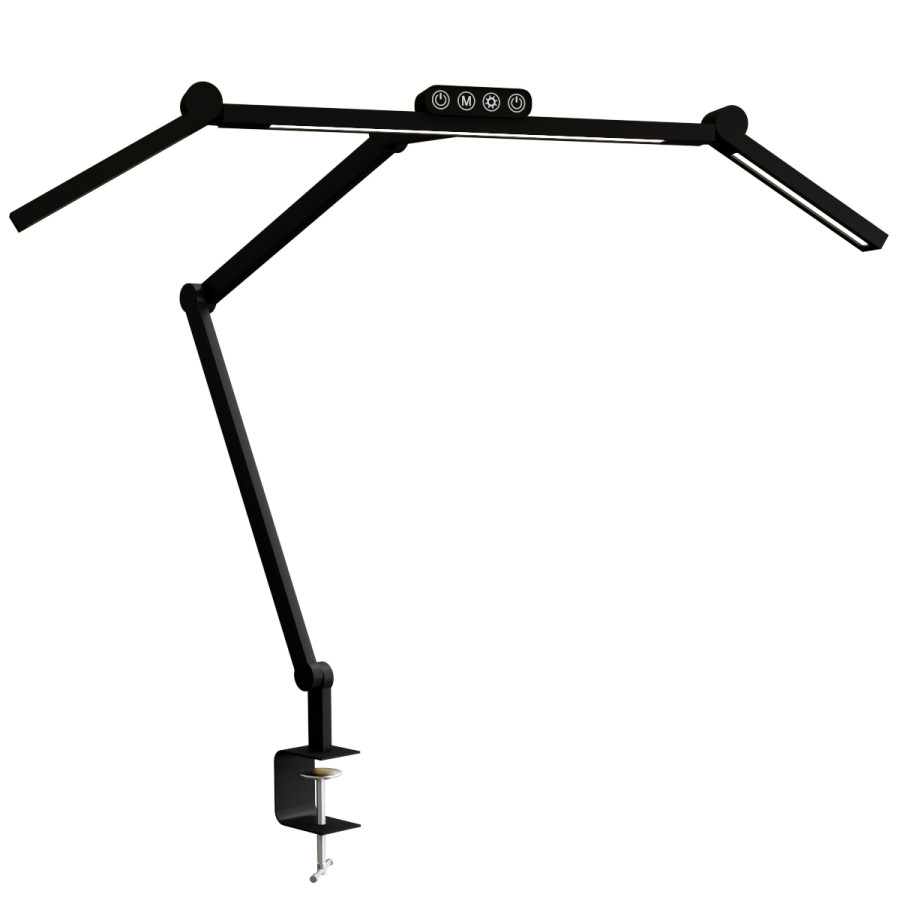
Lume Cube Edge Light 2.0 LED Desk Lamp –
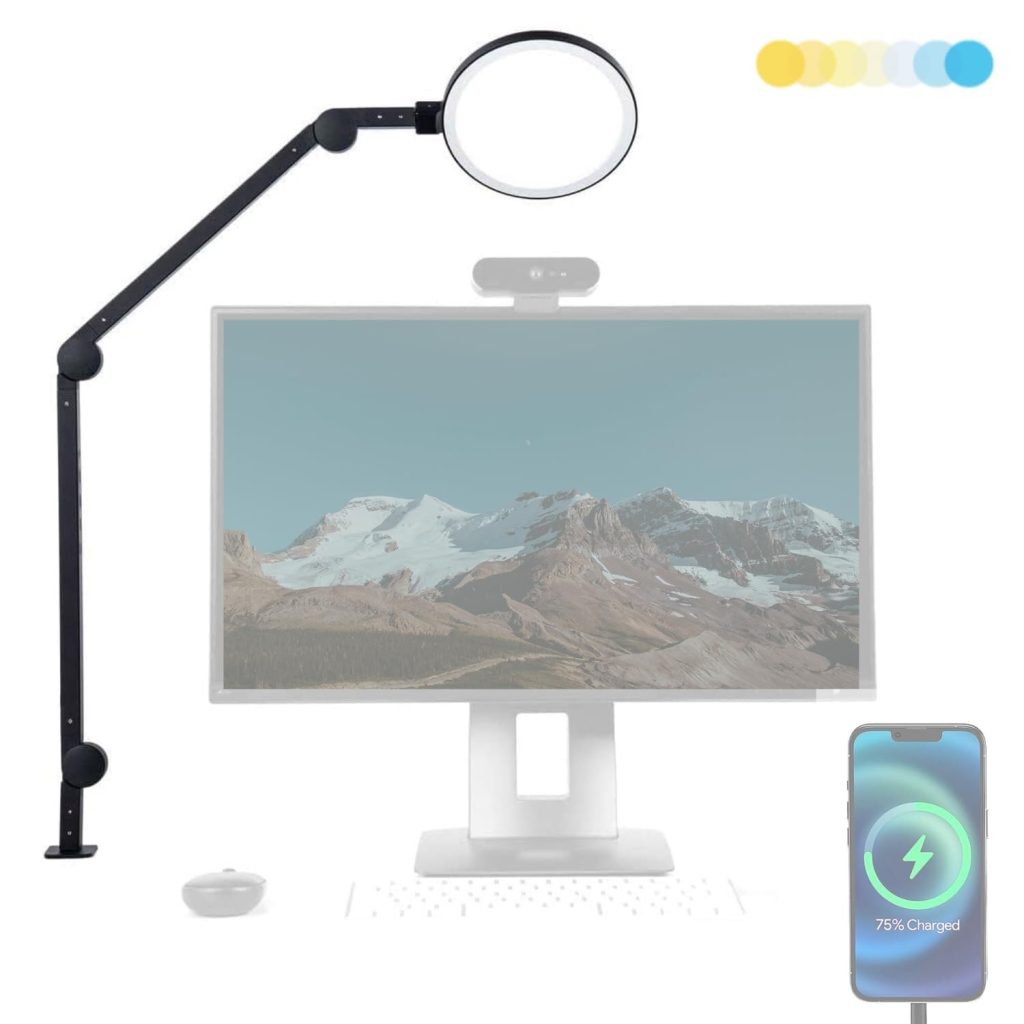
A popular choice for creatives and content creators, this light offers edge-lit LED illumination that’s bright yet aesthetically pleasing for video calls or studio tables.
The Pros and Cons of Prioritizing Your Lighting
Pros of Using a Good Desk Lamp:
- Increased Stamina: You can work longer without the “heavy eyelid” feeling because your eyes aren’t straining to resolve contrast.
- Better Sleep: By using warm tones in the evening, you protect your melatonin production.
- Professionalism: Better lighting makes you look sharper and more “put together” on video calls.
Cons of Ignoring Your Lighting:
- Chronic Headaches: Poor lighting is one of the leading triggers for tension headaches during the workday.
- The “Crumpled Posture”: If you can’t see well, you’ll naturally lean forward toward your screen, ruining your neck and back alignment.
- Decreased Accuracy: It’s much easier to make typos or miss details in documents when you’re working in a dimly lit “cave.”
Conclusion: Shedding Light on Your Future Productivity
At the end of the day, a good computer desk lamp is an investment in your most important tool: your vision. We wouldn’t expect a master craftsman to work in a dark basement, so why do we expect ourselves to produce our best work in poor lighting? By choosing a lamp with adjustable temperature, high CRI, and a flexible arm, you’re not just buying a piece of furniture—you’re buying focus, health, and a much more pleasant workday. Do your eyes a favor and flip the switch on better lighting.
FAQs
- Can a desk lamp really help with my afternoon fatigue?
Absolutely. Often, what we feel as “brain fog” is actually eye fatigue. Bright, cool-toned light (5000K) can boost alertness by suppressing melatonin during the day. - What is the best position for a lamp to avoid screen glare?
Place the lamp to the side of your monitor, never directly in front or behind it. Angle the head so the light hits the desk surface at an asymmetrical angle away from the screen. - Are LED lamps better than incandescent ones for the office?
Yes. LEDs are cooler (literally, they won’t bake your forehead), use less energy, and modern high-end LEDs offer better color control than old-school bulbs. - Does the color of my desk affect what lamp I should get?
If you have a white or glass desk, be careful with very bright lamps as they can cause “rebound glare.” In this case, a lamp with a good diffuser is essential. - How much should I reasonably spend on a good lamp?
You don’t need to spend $500, but the $15 “budget” options often lack flicker-free tech. A sweet spot for a professional-grade ergonomic lamp is usually between $60 and $150.
How has your current lighting setup been treating your eyes lately—are you noticing any of those 4:00 PM headaches I mentioned?