Benefits of Using an Ergonomic Computer Mouse
*Purchases made through our links may earn us a commission. Please view our disclosure to learn more.
Introduction to the Ergonomic Computer Mouse
Working from home has completely changed how we interact with our desks. As someone who’s deeply passionate about home office ergonomics, I’ve learned one thing the hard way: small tools can have a massive impact on your comfort and health. One of the most underrated upgrades you can make? Switching to an ergonomic computer mouse.
What Is an Ergonomic Computer Mouse?
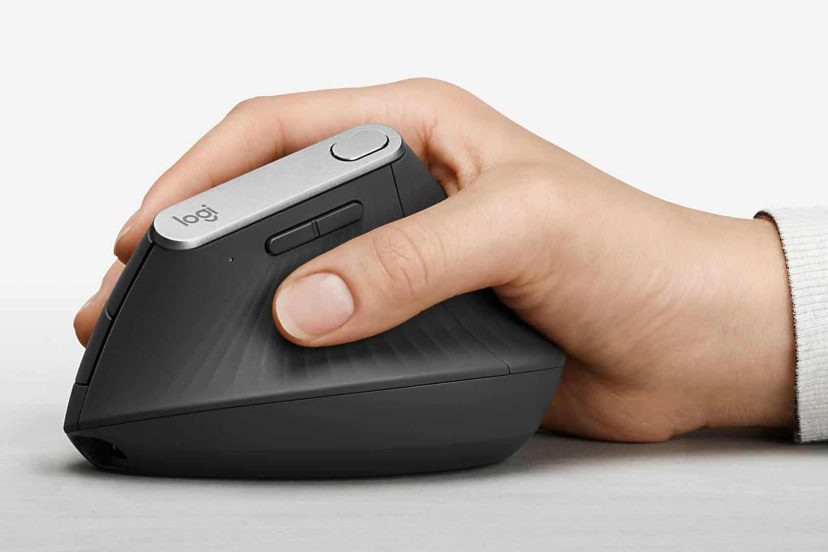
An ergonomic computer mouse is designed to support your hand in a more natural position. Instead of forcing your wrist to twist flat against the desk, it works with your anatomy, not against it.
Think of a standard mouse like wearing shoes two sizes too small; it works, but it’s not comfortable. Ergonomic mice encourage a neutral wrist position, reducing strain and awkward angles that lead to pain.
Your hands are like the engine of your workday. Ignore them, and everything starts to sputter.
Common Problems Caused by Standard Mice
Using a traditional mouse for years can quietly cause serious issues, like Carpal Tunnel Syndrome. This painful condition is often caused by repetitive strain and compressed nerves in the wrist, something ergonomic mice help prevent. Another problem that can also arise is Wrist Tendonitis. A condition in which inflamed tendons can make even clicking unbearable. Ergonomic support minimizes repetitive stress.
Key Benefits of Using an Ergonomic Computer Mouse
Now let’s get to the good stuff; the real benefits. By keeping your wrist in a handshake-like position, ergonomic mice reduce twisting and pressure. Less strain equals less pain. Simple math, right? Your hand naturally wants to rest in a curved position. Ergonomic mice respect that, unlike flat mice that force your palm down.
Ever finish a workday feeling like your hand ran a marathon? With an ergonomic mouse, those long sessions feel far more manageable. When your hand isn’t screaming for relief, your brain can focus on what actually matters; your work. Remote workers often log more hours than office workers. Ergonomic tools aren’t optional anymore, they’re essential. Home offices don’t come with built-in ergonomic assessments. Choosing the right mouse is one way to protect yourself long-term.
Different Types of Ergonomic Computer Mice
Vertical Ergonomic Mice
These are my personal favorite. They rotate your hand into a neutral position, reducing forearm strain.
Trackball Ergonomic Mice
Great for small desks, trackball mice minimize wrist movement while maintaining control.
Pen-Style and Hybrid Mice
Pen-Style Mice are perfect for creatives, these mimic the natural grip of a pen. While Hybrid Mice are a more advanced version of the standard mouse, but with more capabilities and functions for programmers and gamers.
Your arm wasn’t designed to twist unnaturally all day. Ergonomic mice allow smooth, fluid movements that feel intuitive, like gliding instead of dragging. When I first switched, it felt strange, like learning to drive a new car. But within a week, my wrist pain vanished. Within a month, I wondered why I hadn’t done it sooner.
Top 7 Best
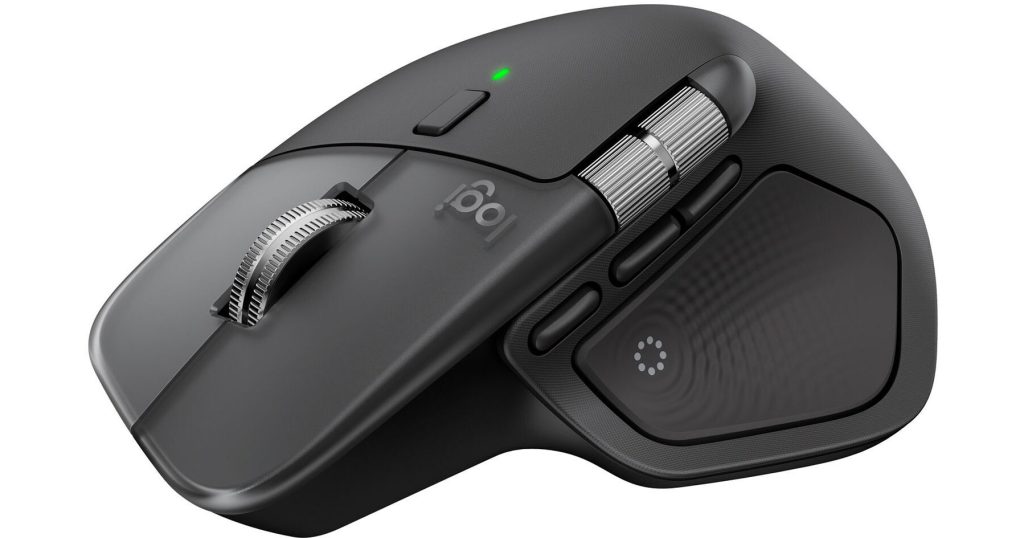
Logitech MX Master 4 Wireless Mouse
A premium ergonomic mouse with advanced features like customizable buttons, high-precision tracking, a thumb wheel, and haptic feedback. Its sculpted shape supports your hand comfortably during long workdays, and it’s ideal for multitaskers and creative professionals who want both comfort and high performance.
Logitech Ergo M575S Wireless Trackball Mouse
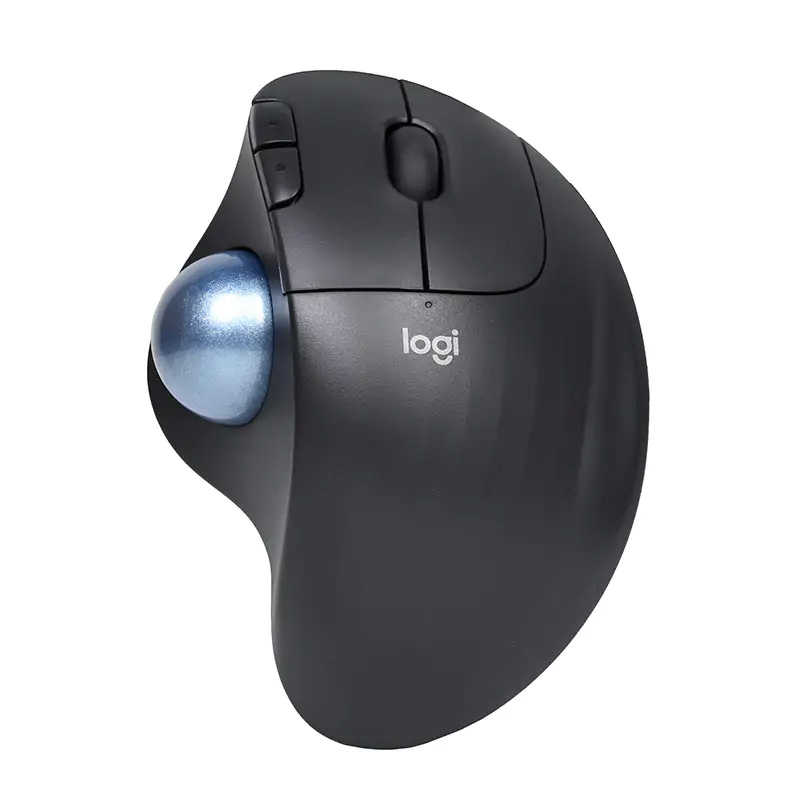
This trackball-style ergonomic mouse keeps your hand in a relaxed posture while a stationary ball lets you scroll without moving your arm. It’s great for small desks or tight spaces and excels at reducing forearm strain.
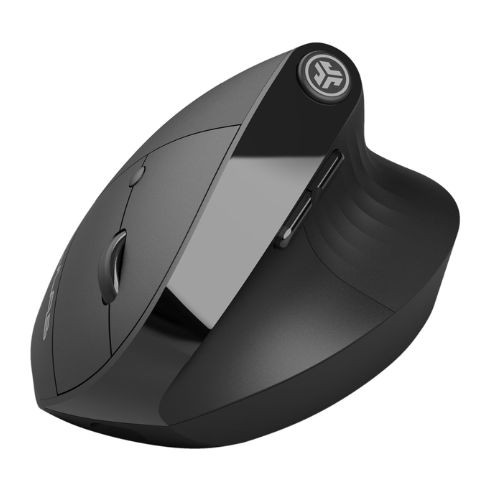
JLab JBuds Ergonomic Wireless Vertical Mouse
A budget-friendly vertical ergonomic mouse with a comfortable shape suited for everyday use. Many users find it helps ease wrist strain compared to traditional mice, a nice entry-level choice for remote workers.
SEENDA MOU‑302 Vertical Wireless Mouse
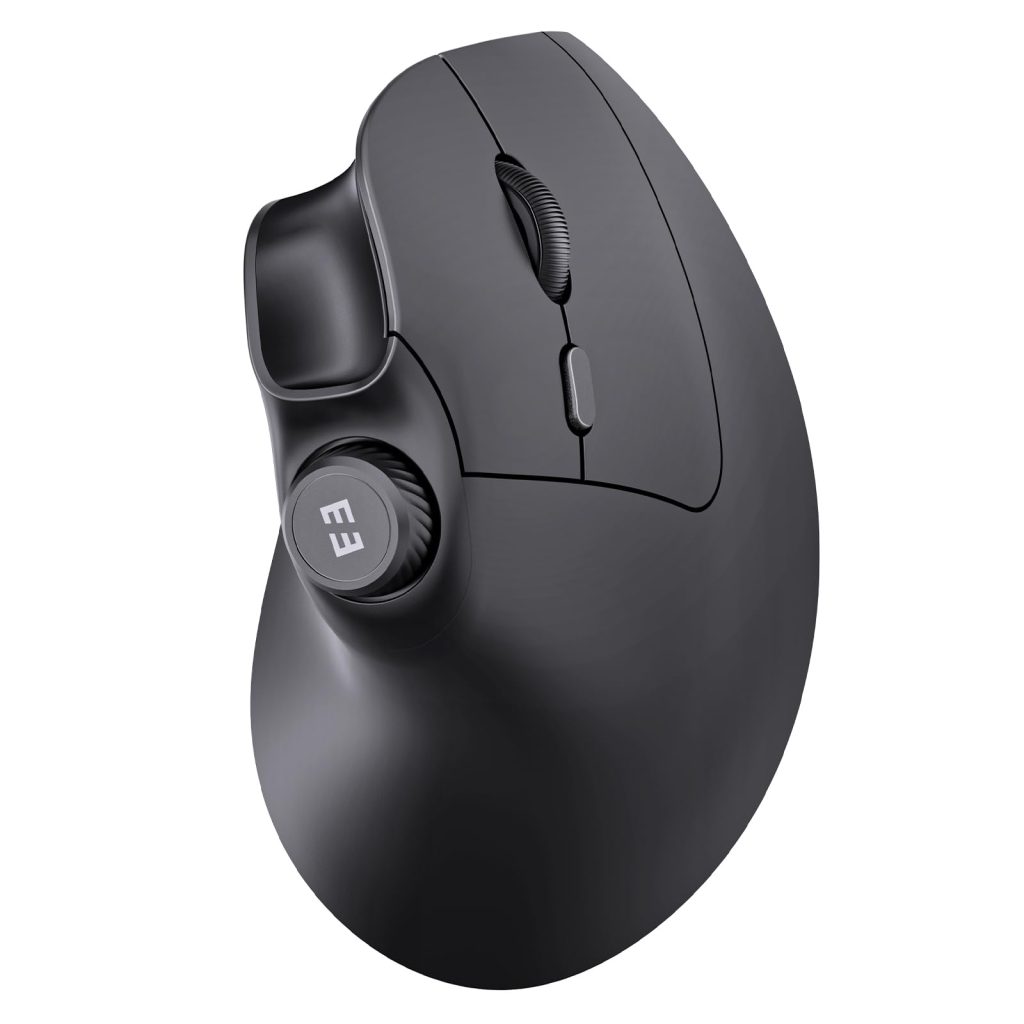
A highly rated ergonomic mouse with a rechargeable battery and dual Bluetooth + USB connectivity. Its vertical design supports healthier hand posture, and the silent click design makes it comfortable for quiet work environments.
EM11 NL Bluetooth Ergonomic Vertical Mouse
An affordable ergonomic vertical mouse with excellent user ratings, offering a natural handshake grip and reliable Bluetooth connectivity. Great for anyone looking to reduce wrist strain on a budget.
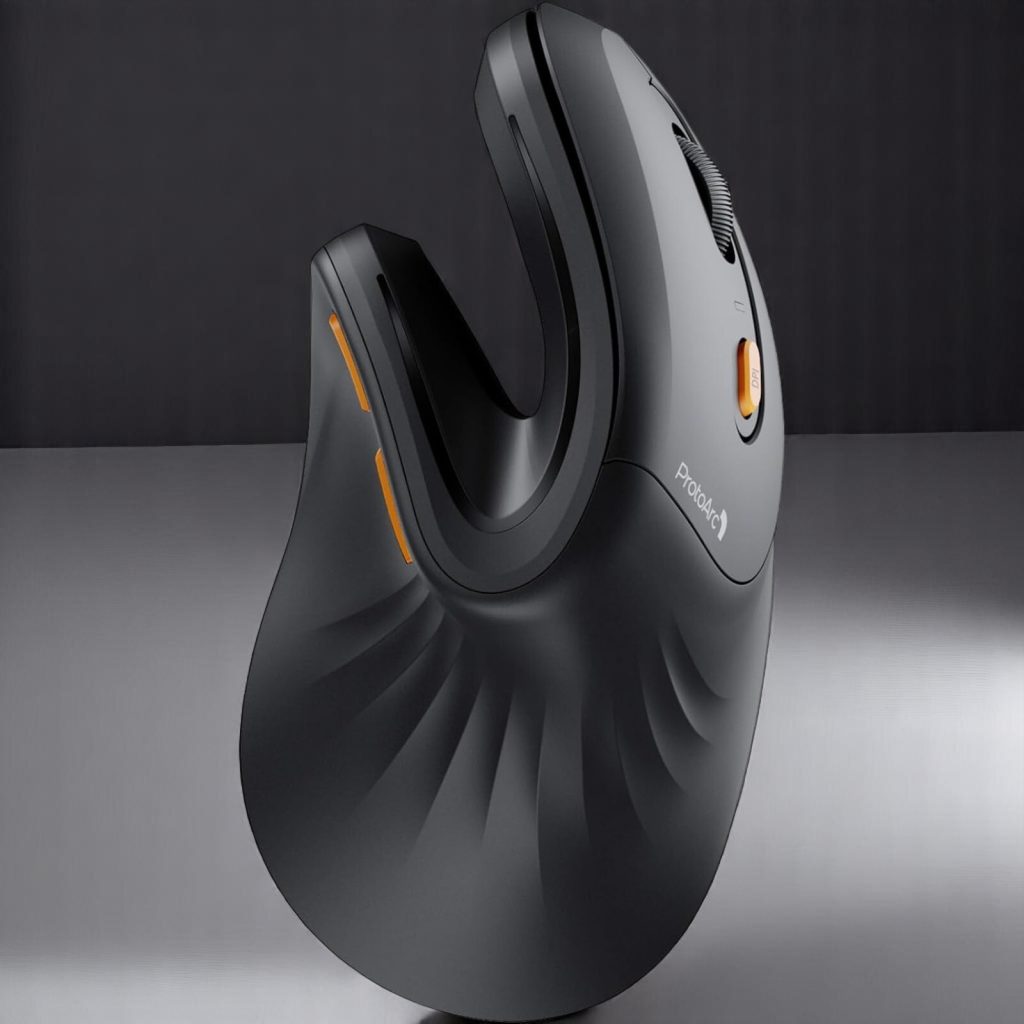
Tecknet Ergonomic Wireless Vertical Mouse
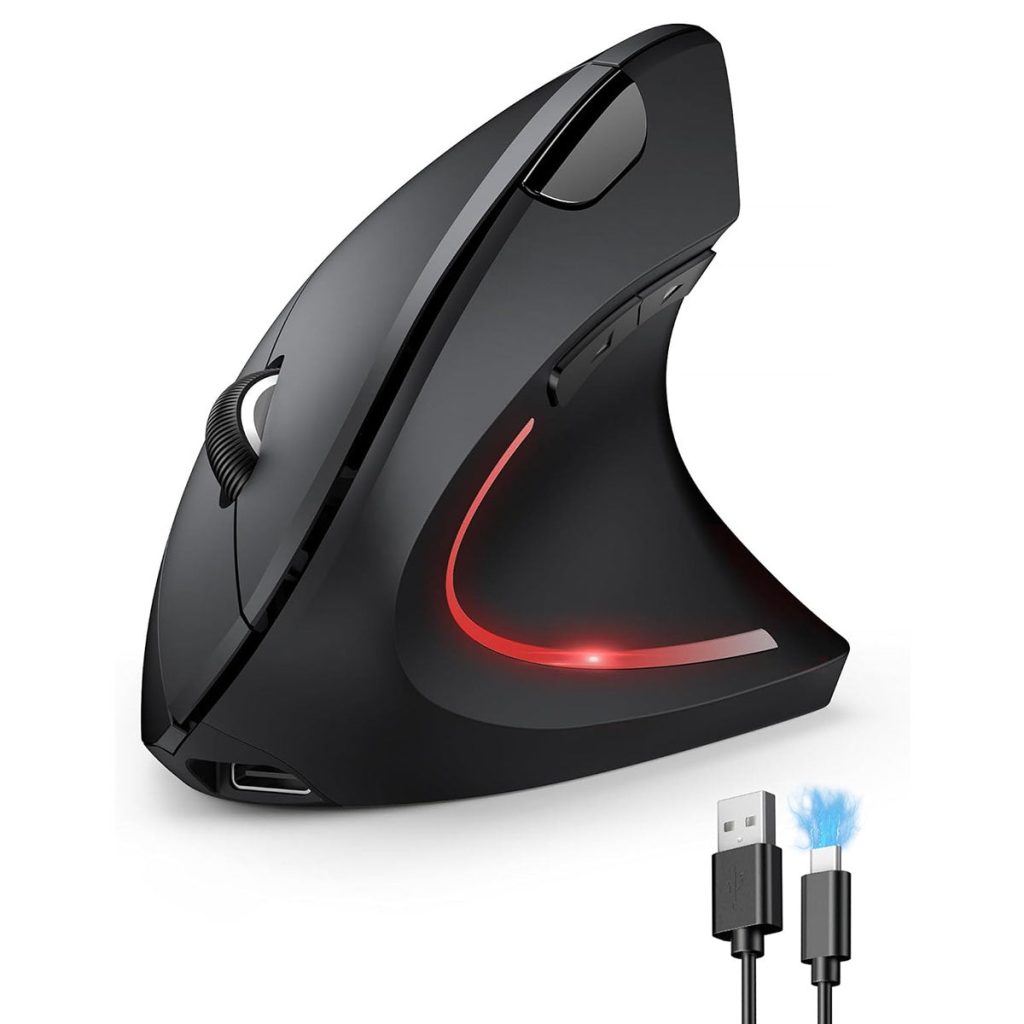
A simple and highly rated ergonomic vertical mouse with adjustable DPI levels for smoother tracking. Its contoured shape promotes a neutral wrist position and is a solid value choice.
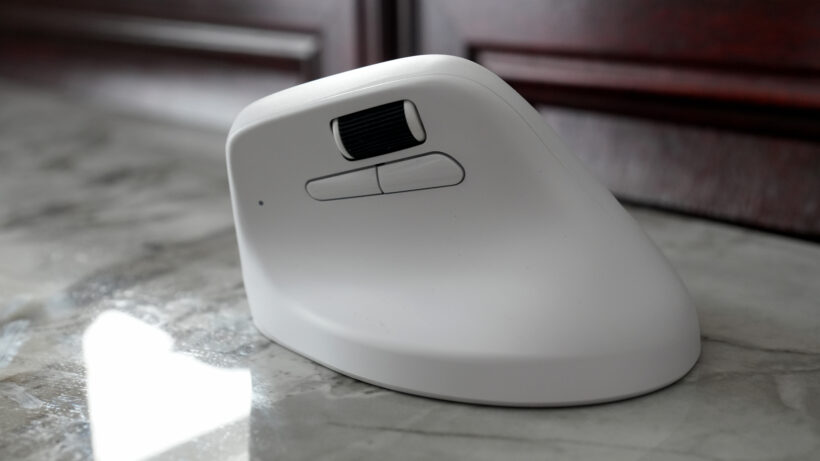
Keychron M5 Wireless Ergonomic Mouse
A newer ergonomic vertical mouse with multiple connectivity options (Bluetooth, 2.4 GHz, USB-C) and high-precision tracking. It’s a great combination of productivity features and ergonomic design for everyday use.
How to Choose the Right Ergonomic Mouse for You
One size doesn’t fit all. Palm grip? Claw grip? Fingertip grip? Choose a mouse that matches how you work. Designers, gamers, and office workers all have different needs. DPI settings and button placement matter. A regular mouse is like sitting on a wooden stool, but an ergonomic mouse? That’s a padded office chair with lumbar support.
Tips to Maximize the Benefits of an Ergonomic Mouse
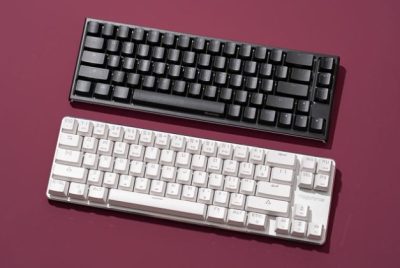
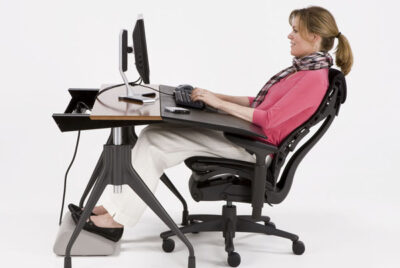
A mouse alone won’t fix everything, but paired with an Ergonomic Keyboard, together they create a seamless, wrist-friendly workflow. And remember, your mouse should sit at elbow height. Anything else invites strain. Preventing injury is easier and cheaper than treating it and that’s why an ergonomic mouse is an investment in future-you. And considering the hours we spend clicking and scrolling, the cost is minimal compared to the benefits.
Conclusion
As a home office ergonomics enthusiast, I can confidently say the benefits of using an ergonomic computer mouse go far beyond comfort. They protect your health, boost productivity, and make daily work feel easier. If you spend hours at your desk, this is one upgrade you shouldn’t skip.
Frequently Asked Questions (FAQs)
- How long does it take to adjust to an ergonomic mouse?
Usually 3–7 days. Your muscles adapt quickly. - Are ergonomic mice good for gaming?
Yes, especially vertical and high-DPI models. - Can an ergonomic mouse really prevent wrist pain?
It significantly reduces the risk when combined with proper posture. - Are ergonomic mice suitable for small hands?
Many brands offer compact versions because fit matters. - Do I need an ergonomic mouse if I don’t have pain yet?
Absolutely. Prevention is always better than treatment.