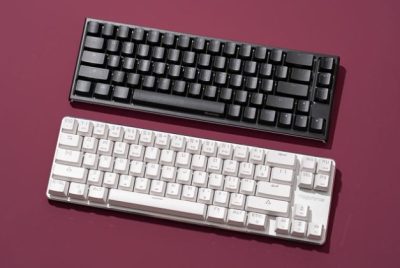
Benefits of Using a Mechanical Keyboard
*Purchases made through our links may earn us a commission. Please view our disclosure to learn more.
As someone deeply entrenched in the world of home office ergonomics, I’ve found that one often overlooked yet crucial element is the choice of keyboard. It’s not just a tool for typing; it’s an interface that directly impacts productivity, comfort, and even health. This is where the Mechanical Keyboard steps into the limelight, offering a plethora of benefits that transcend mere keystrokes.
Introduction to the Benefits of Using a Mechanical Keyboard
Let’s delve into what makes a mechanical keyboard a darling for home office enthusiasts. These keyboards are defined by their individual mechanical switches beneath each keycap. Unlike the rubber dome switches of TRADITIONAL KEYBOARDS, these switches provide distinct tactile feedback, offering a satisfying “click” with every press.
Enhanced Typing Experience and Tactile Feedback
The allure of a mechanical keyboard lies in its typing experience. The tactile feedback and audible click provide a sense of assurance with each keystroke. This not only enhances the typing speed but also reduces the chances of errors, ensuring a more efficient workflow. One also cannot overlook the durability factor. Mechanical keyboards are built to last, often surpassing their membrane counterparts in lifespan. With each keycap having its individual switch, they can withstand millions of keystrokes without compromising their performance.
Health Benefits for Long-term Usage
Ergonomics is paramount in a home office setup. Prolonged typing on traditional keyboards might lead to discomfort or even injuries. Mechanical keyboards, with their tactile switches, promote better hand posture and reduce the strain on fingers, potentially lowering the risk of repetitive strain injuries.
Popular Mechanical Keyboards
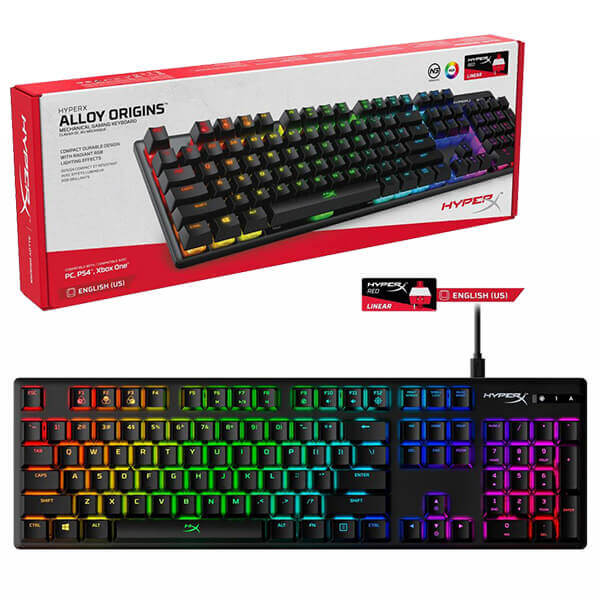
HyperX Alloy Origins Mechanical Gaming Keyboard
A top-seller for good reason: it’s got durable mechanical switches rated for 80 million keystrokes, a sturdy aircraft-grade aluminum body (so it doesn’t wobble or flex even under heavy typing/gaming), and a compact layout that gives you more desk room for mouse movement. Great all-around choice if you want quality and reliability without overspending.
Razer BlackWidow V4 75% Mechanical Gaming Keyboard
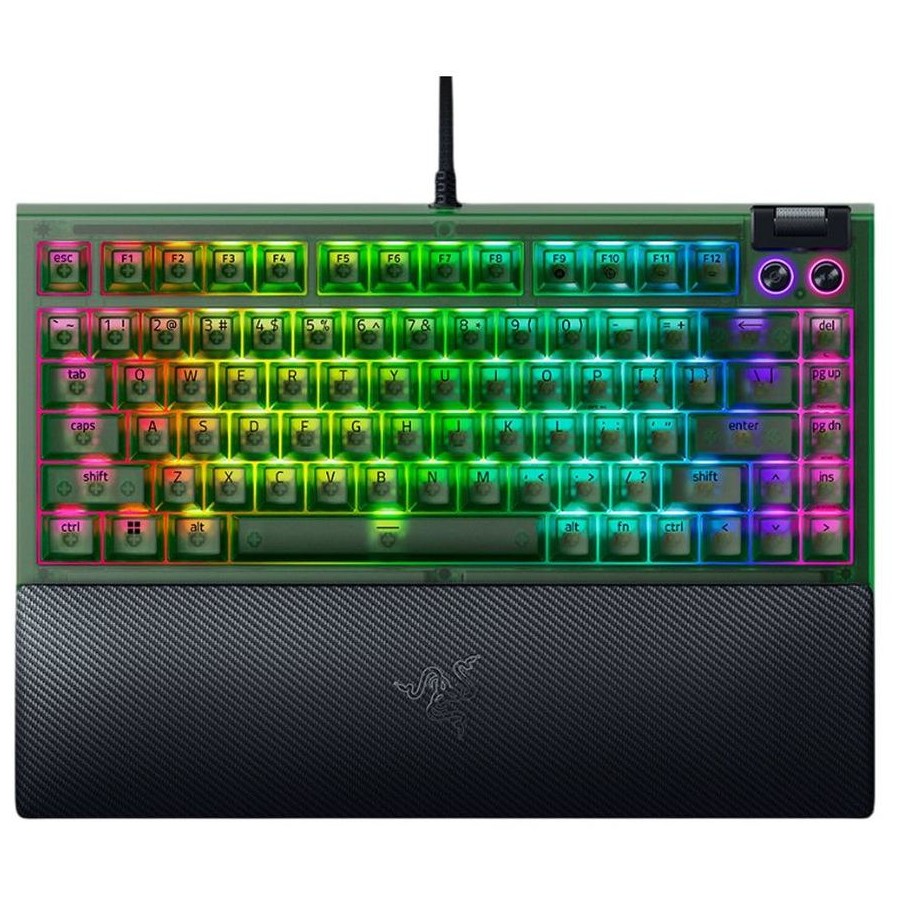
Long-time favorite among gamers. Known for snappy, responsive keys and programmable macro keys, fast response times, satisfying mechanical feedback, and solid build quality. Good if you want something that performs under sustained heavy use.
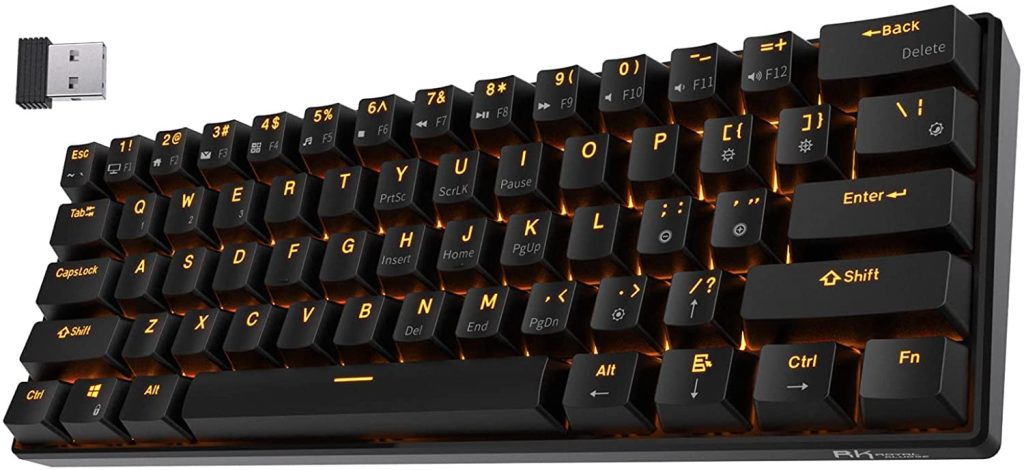
RK Royal Kludge RK61 60% Mechanical Gaming Keyboard
A compact, budget-friendly keyboard that’s extremely popular with gamers and typists who prefer a minimalist desk setup or need portability. Its 60% layout removes the numpad, shrinking the footprint and is ideal for small workspaces or on-the-go setups.
Glorious GMMK 3 Custom Mechanical Keyboard
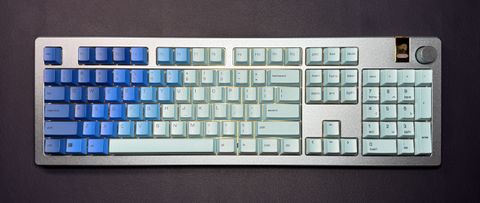
Loved among keyboard enthusiasts for customization and build quality. It supports hot-swappable 3-pin and 5-pin switches, letting users easily swap out switches without soldering, perfect if you like to tinker or tailor the feel of your keyboard. Also has quality keycaps and sound dampening.
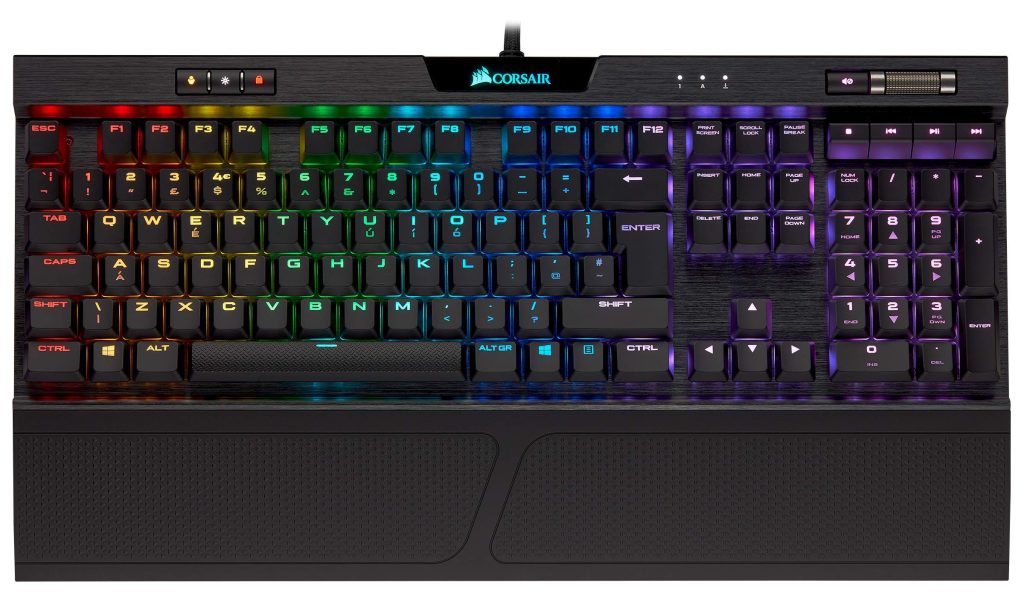
Corsair K70 RGB Mechanical Gaming Keyboard
A premium keyboard with a solid aluminum frame and classic CHERRY MX switches, delivering a high-end typing and gaming experience. Long-lasting, responsive, with per-key RGB lighting is ideal for users who want a durable “set-and-forget” keyboard that performs reliably for years.
Turtle Beach Vulcan II Mechanical Keyboard
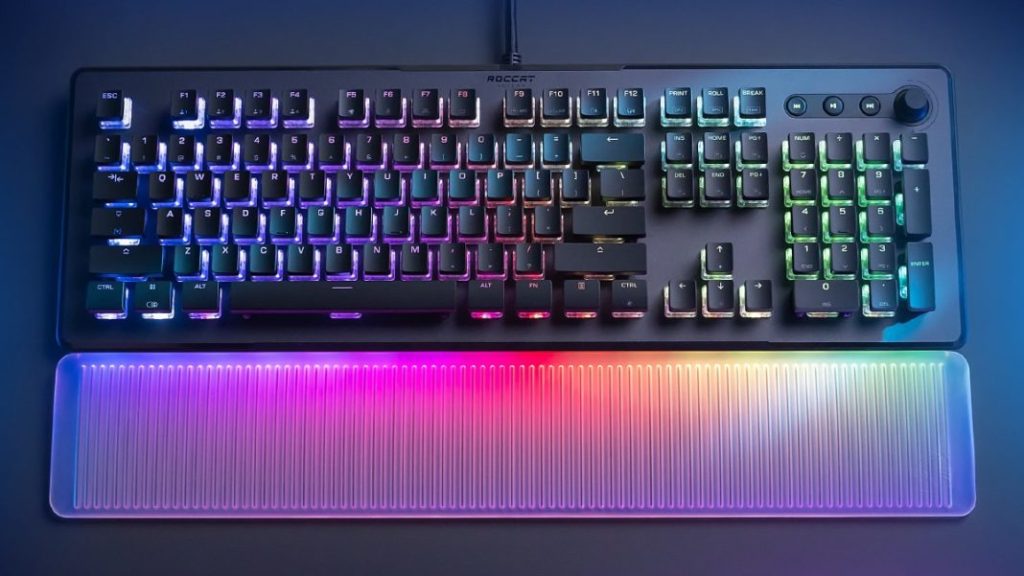
Known for smooth linear switches (great for fast typing/gaming), a durable aluminum backplate, and high keystroke durability (100M keystrokes). A robust option if you want a strong performance keyboard that balances speed, durability, and key feel.
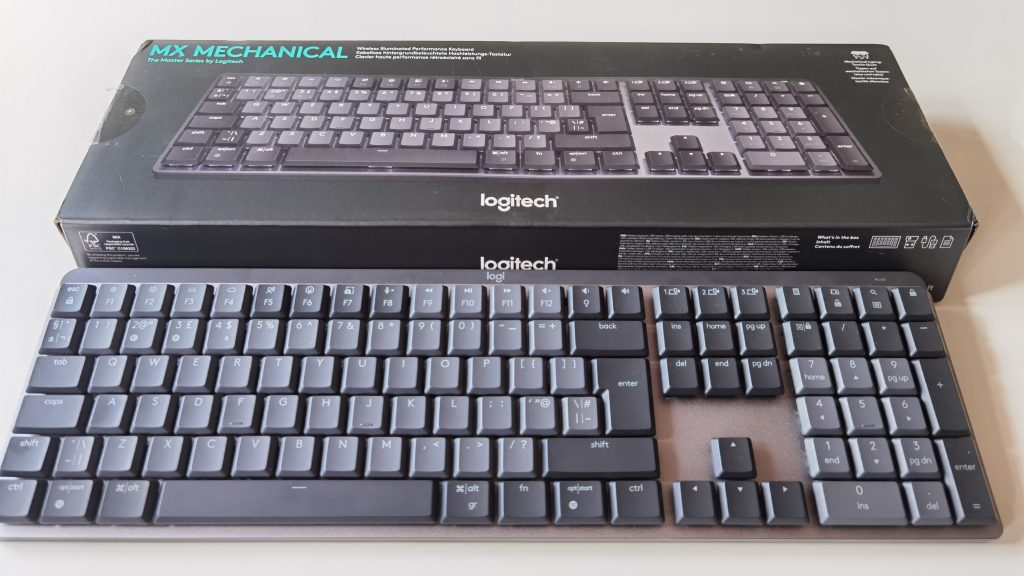
Logitech MX Mechanical Wireless Keyboard
A mechanical keyboard aimed more at productivity or mixed-use (work + casual) rather than heavy gaming. Its quiet mechanical keys, adjustable backlighting, and multi-device connectivity make it a nice fit if you switch between workstations or platforms. Good for work-from-home, coding, writing, or long typing sessions.
Epomaker TH99 Mechanical Gaming Keyboard
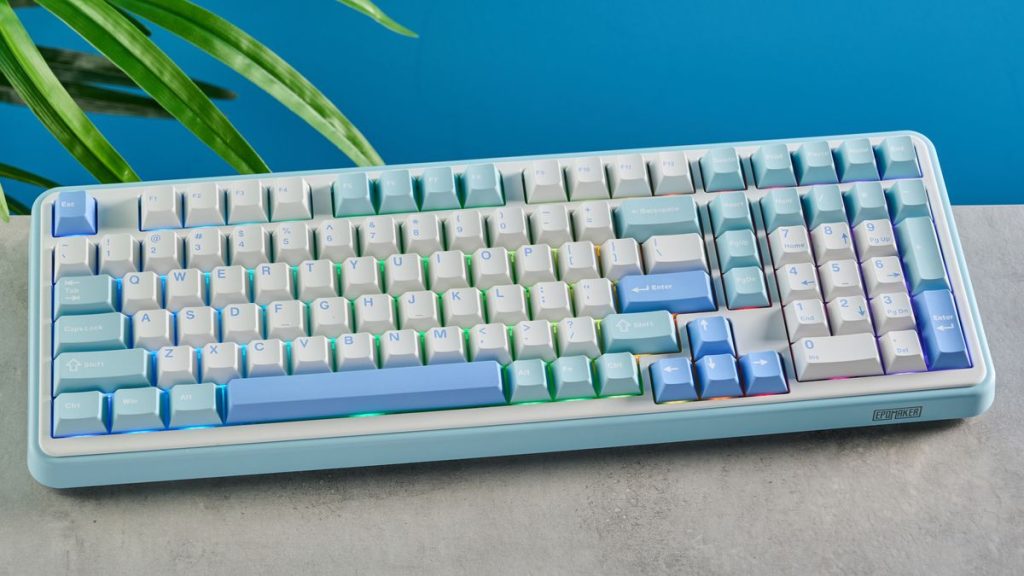
A mid-range, customizable keyboard with solid performance and value. Often favored by people who want decent mechanical performance without the premium price tag. A good balance between cost, build quality, and typing feel.
Customization and Personalization
One of the captivating aspects of mechanical keyboards is their customizability. From choosing different types of key switches to custom keycap designs and layouts, users have the freedom to tailor their keyboard to their preferences, enhancing both aesthetics and functionality. The “clickety-clack” sound of mechanical keyboards might be a love-it-or-hate-it feature. While some revel in the satisfying sound, others prefer a quieter typing experience. However, advancements in switch technology have led to quieter options, catering to various preferences.
Comparative Analysis
Comparing mechanical and membrane keyboards can shed light on their stark differences. Overall, membrane keyboards might seem more budget-friendly initially, but their shorter lifespan and lack of tactile feedback pale in comparison to the durability and typing benefits of using a mechanical keyboard.
Choosing the Right Mechanical Keyboard
Selecting the right mechanical keyboard involves considering various factors such as switch type, actuation force, and layout. Each person’s preferences and typing style play a crucial role in finding the perfect fit. To ensure your mechanical keyboard stands the test of time, proper maintenance is key. Regular cleaning and occasional lubrication of switches can significantly prolong its lifespan, making it a worthwhile investment.
FAQs
Do mechanical keyboards help with typing speed?
Mechanical keyboards can improve typing speed due to their tactile feedback and reduced error rate.
Are all mechanical keyboards noisy?
No, there are quieter options available with different switch types designed to minimize noise.
Can mechanical keyboards alleviate wrist strain?
Yes, the tactile feedback and better hand posture promoted by mechanical keyboards can reduce wrist
strain.
Do mechanical keyboards require more maintenance than regular keyboards?
They might require occasional cleaning and maintenance, but it’s not significantly more demanding compared to standard keyboards.
Are mechanical keyboards suitable for gaming purposes?
Yes, many gamers prefer mechanical keyboards due to their tactile feedback and durability, which can enhance gaming performance.