The Importance of Correct Monitor Height
*Purchases made through our links may earn us a commission. Please view our disclosure to learn more.
As someone deeply passionate about optimizing home office setups for comfort and productivity, I’ve come to understand the importance of correct monitor height plays in ergonomic design. Let’s delve into why this seemingly minor adjustment can make a monumental difference in our daily work lives.
Understanding Ergonomics
Whether you are choosing a MONITOR ARM, MOUNT OR STAND, ergonomics encompasses the study of optimizing the workspace to minimize discomfort and reduce the risk of musculoskeletal issues. When we apply this principle to the importance of correct monitor height and position, we begin to comprehend the domino effect it has on our overall health and productivity.
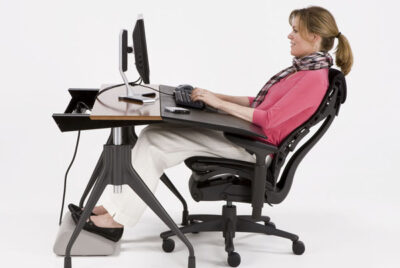
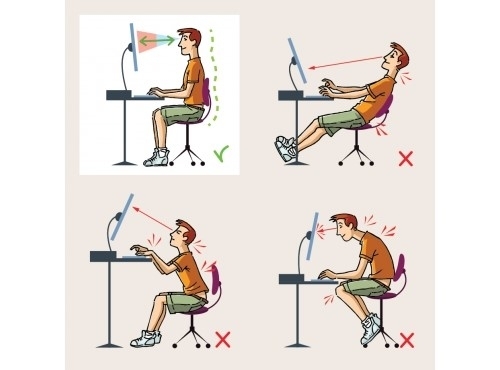
Picture this: a monitor placed too low or high. It’s not just uncomfortable; it’s a strain on the neck, shoulders, and eyes. Prolonged use in such positions can lead to chronic discomfort and, worse, long-term health concerns. Yet, when we get the height right, it’s a game-changer. Suddenly, the strain dissipates, posture improves, and productivity soars. It’s not just about feeling good in the moment; it’s about safeguarding our health in the long run.
Finding the sweet spot isn’t a one-size-fits-all scenario. It involves understanding the guidelines and then personalizing them to suit individual needs. Adjustments can vary based on factors like height, eye level, and seating posture. Wither you use an ERGONOMIC DESK, a GAMING DESK or are going MINIMALIST, correct monitor height is essential.
Top Adjustable Monitor Arms & Mounts
HUANUO Dual Monitor Mount– Dual-arm mount that raises two monitors to eye level, reducing neck strain and improving posture. Highly rated for ease of installation and sturdy performance (fits most 13″–34″ screens).
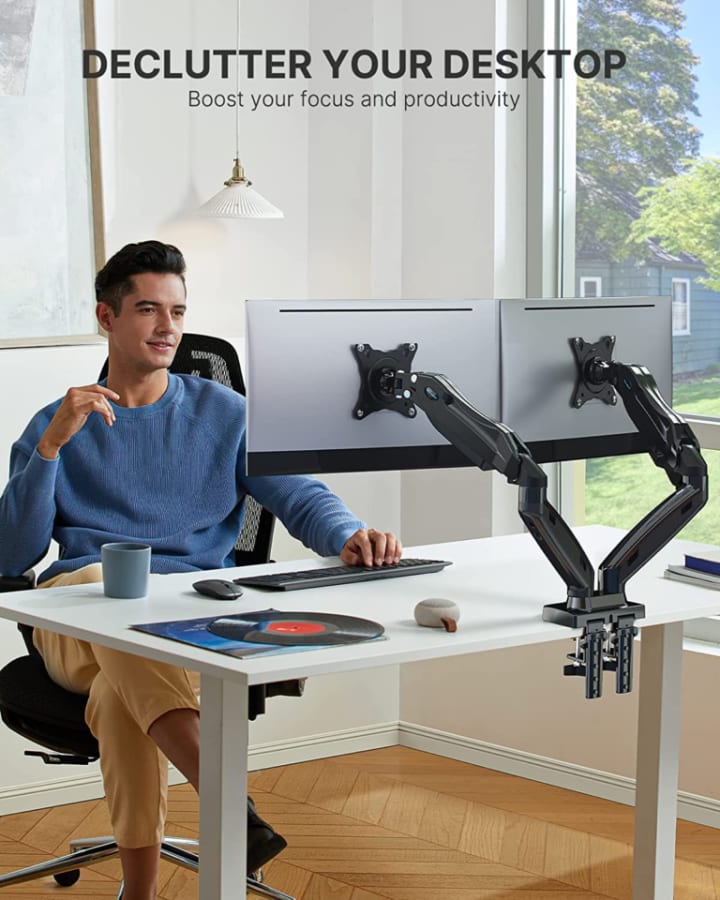
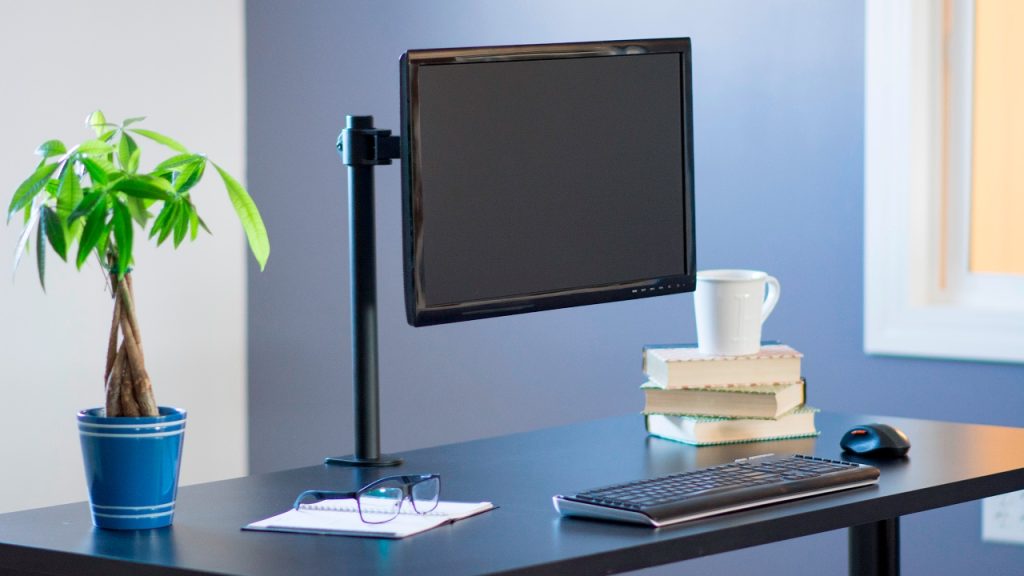
VIVO Single Monitor Desk Mount – Adjustable single monitor arm with solid steel construction and cable management — flexible articulation to position your display ideally.
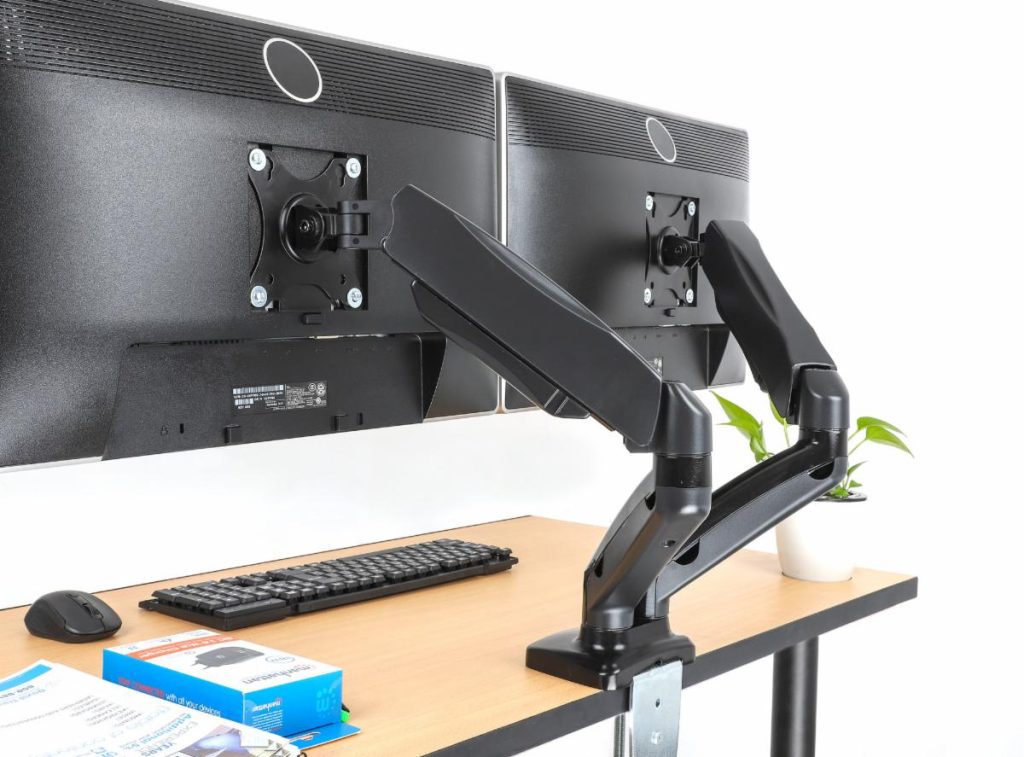
Mount-It! Dual Monitor Desk Mount – Gas-spring dual monitor mount with smooth height adjustments, tilt, swivel, and rotate functions for ergonomic multi-screen setups.
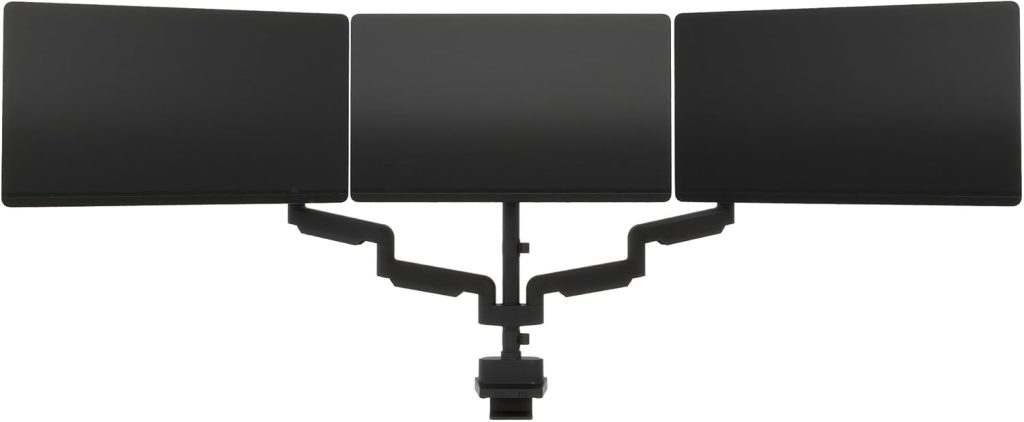
Vari Triple Monitor Arm – Premium choice for setups with three displays, lifting them off your desk to free space and improve viewing angles
.
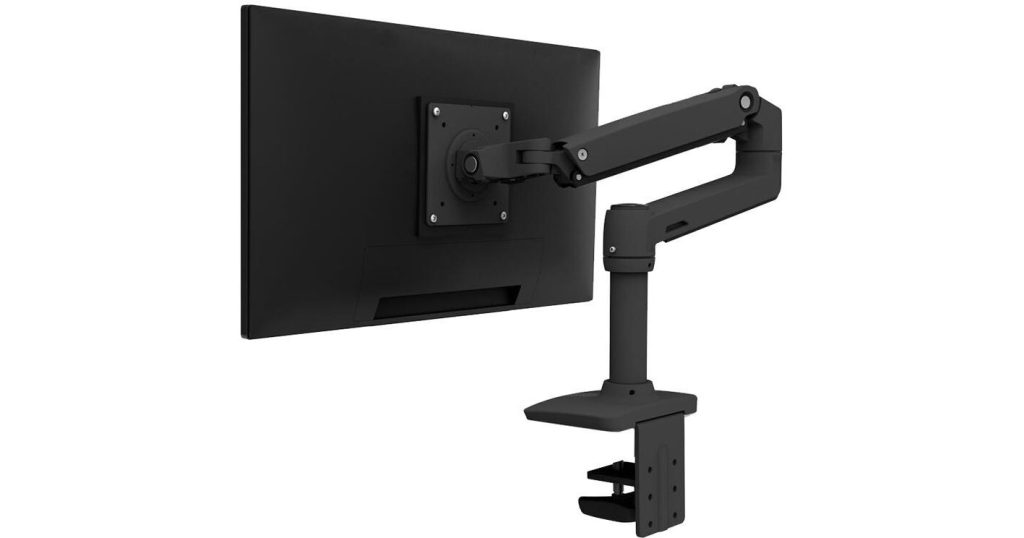
Ergotron LX Desk Monitor Arm – A higher-end monitor arm with constant-force adjustment — great for larger displays up to ~34″.
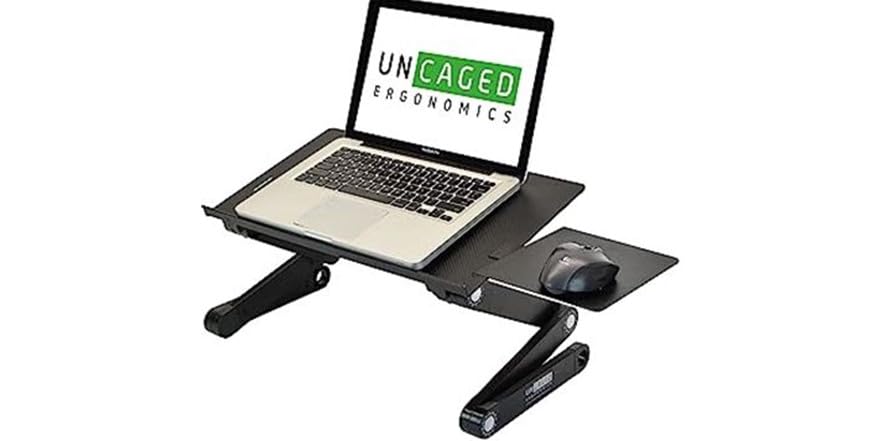
WorkEZ Adjustable Laptop Stand – Solid ergonomic design that is also foldable and portable. Perfect for the home office minimalist. Great if you prefer not to mount your display.
Ergonomic Solutions for Monitor Positioning
Investing in adjustable monitor stands or mounts is a practical step toward understanding the importance of computer monitor height. Pairing these with ergonomic furniture completes the setup, ensuring holistic comfort. Set the monitor at eye level, maintaining a comfortable distance and angle.
Articulating arms vs risers: Arms with gas springs and VESA mounts offer full adjustability (height/tilt/swivel/rotate). Risers or freestanding stands are easier to install and great if your desk doesn’t support clamps.
Check VESA compatibility: Make sure your monitors support either 75×75 mm or 100×100 mm VESA patterns as most adjust-able mounts use these standards.
Weight & size capacity: Pick a mount that supports the weight and size of your monitors; heavier/ultrawide screens often need more robust arms.
Conclusion
The importance of computer monitor height isn’t just a matter of preference; it’s a health and productivity necessity. By embracing ergonomic practices and fine-tuning our setups, we pave the way for a more comfortable and efficient work experience.
FAQs
Why is eye level crucial for the monitor?
Eye-level positioning reduces strain on the neck and eyes, ensuring a more comfortable viewing experience.
Can’t I use books or random objects to adjust monitor height?
While makeshift solutions might work temporarily, investing in proper ergonomic accessories guarantees consistent and reliable support for your posture.
Is it necessary to follow specific guidelines for monitor height?
Guidelines serve as a baseline but personalizing them based on your comfort and ergonomics is equally important in determining the correct monitor height.
How frequently should I take breaks to reduce strain?
Taking short breaks every hour is beneficial for reducing strain and refreshing your mind and body.
Can monitor height impact productivity?
Absolutely! A comfortable setup enhances focus, reducing distractions and ultimately improving productivity.